


- Promotions
Scanners

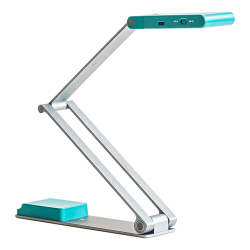
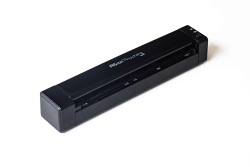
- Product Code: 2005420079900950
- Rank: 0
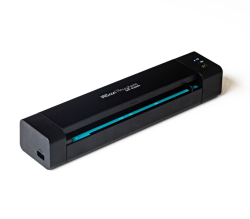
- Product Code: 2005420079900943
- Rank: 0
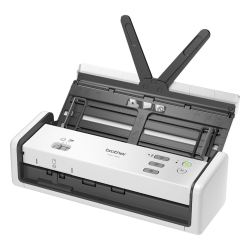
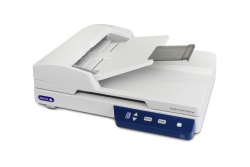
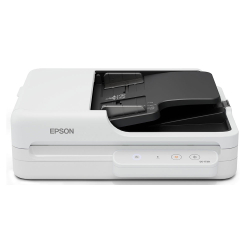
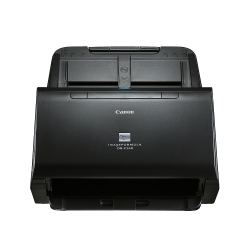
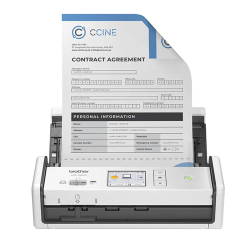
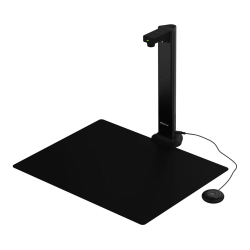
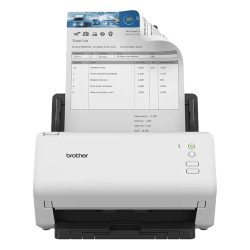
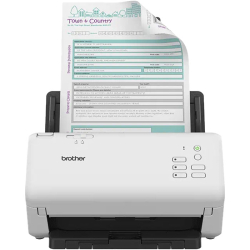
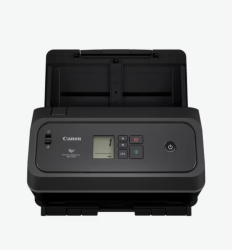
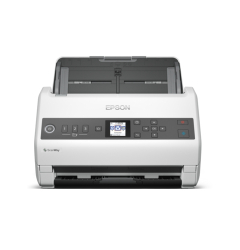
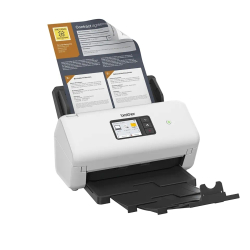
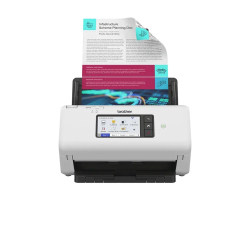
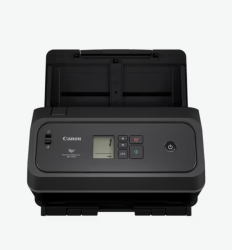
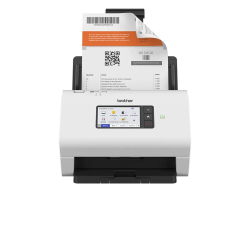
Activities in modern offices are usually related to the processing of various documentation and administrative work requiring the transfer of information from one type of carrier to another. Document scanners can be an excellent solution when data needs to be converted from paper to digital. When and in what cases are they used? How do they work and what types are available in the OK Office online store?
Can document scanners be an effective business solution?
These are devices that will help you convert the information available on paper into an electronic version. This is how you store it on local memory or in the cloud. The media you can scan are: paper, books, plastic. Passports, birth certificates, certificates and others are often used.
Document scanners are an ideal solution for creating backup copies in the business to be stored and reliably protected in the cloud.
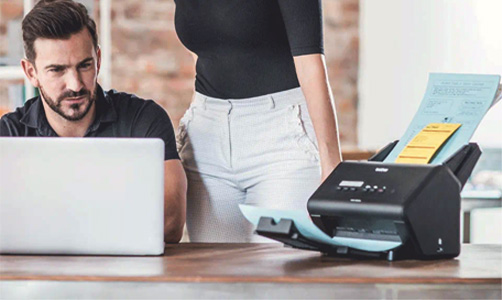
Did you know that the document scanner is easy to use?
Different types of scanning office equipment work on an identical algorithm consisting of several steps. First of all, it is necessary to read the information from the carrier and receive the data from it. After processing and creating the finished image in digital format, it is sent to the computer for reproduction.
To use the document scanner, it is necessary to place the sheet with the scanning information face down on the work surface (glass). After that, start the program that comes with the device on the computer, which will issue a command to start work. After moving the lamp along the entire length of the sheet, its copy will be displayed on the monitor.
What will you find in the OK Office online store?
In order to offer the maximum variety of types for precision in selection, the section currently has available:
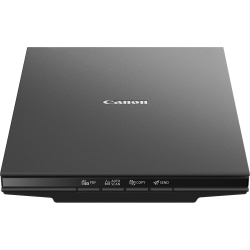
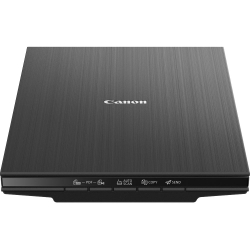
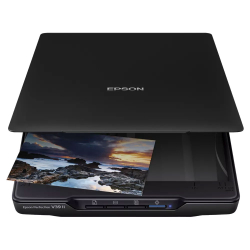
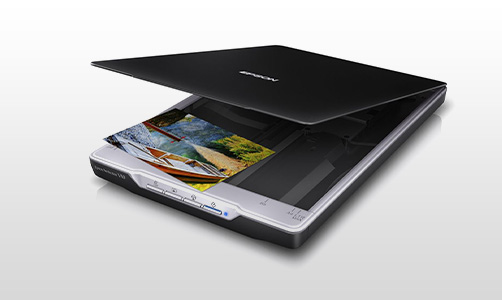
- tablet document scanners - due to its flat design and by analogy with the tablet comes the name. The most common and used option both in the office and at home;
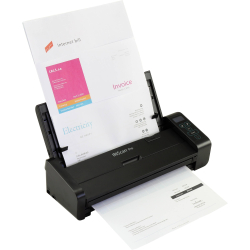
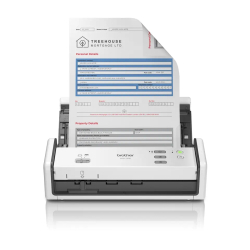
- flow-through - it looks like a printer, with an input and output for the sheets. They scan both sides of the sheet at the same time;
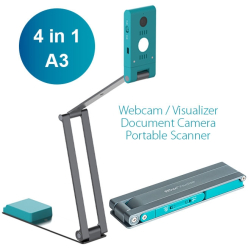
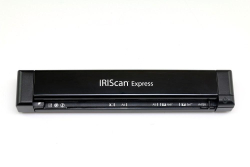
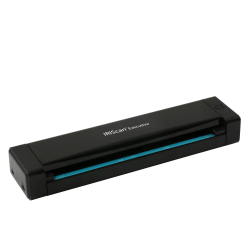
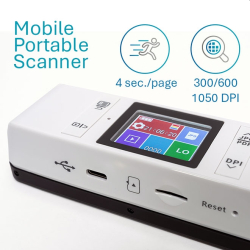
- handheld portables – resemble a laptop battery and are just as portable. Their work requires them to slide across the pages of the desired content. They are mobile and extremely light;
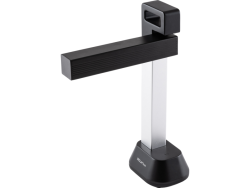
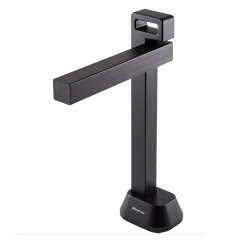
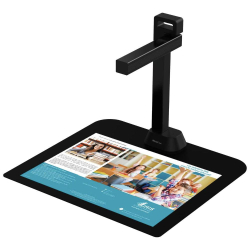
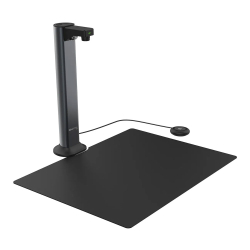
- planetary - for a digital copy of old and obsolete books, manuscripts and others. They do not require physical contact with the object.
In the website's catalog you will find new and high-quality laser scanners for documents at excellent prices. You have a choice of many brands that have proven themselves with their quality products over time.
FAQ for Scanners
What types of document scanners does OK Office offer?
OK Office offers a variety of document scanners, including mobile scanners that are ideal for people on the go, as well as stationary models for offices. Our range includes scanners with various features, such as automatic document feeding and high scanning resolution.
How do I use a mobile document scanner?
Mobile document scanners are easy to use – simply connect the device to your computer or smartphone via USB or Bluetooth, insert the document and start scanning. Many are compatible with document management apps, making it easy to store and share.
What is the difference between mobile and stationary scanners?
Mobile scanners are compact and lightweight, designed for scanning on the go, while stationary scanners are larger and offer higher productivity and document processing capacity. Stationary models usually have more features such as automatic multi-page feeding and faster scanning speeds.
What should I do if my scanner is not working properly?
If your scanner is not functioning properly, first check the connections and power supply. Make sure your drivers and software are up to date. If the problem persists, contact our support team who will help you with a diagnosis and solution.
Why should I choose a scanner from OK Office?
OK Office offers high-quality scanners from leading brands, combined with professional service and consultation. Our products are selected to suit a variety of needs and budgets, and we are committed to providing the best for our customers.