


- Promotions
Тoner cartridges Pantum
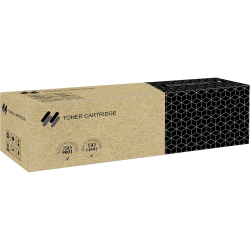
- Product Code: 50117
- Rank: 0
- Type:: Compatible
- Color:: Black
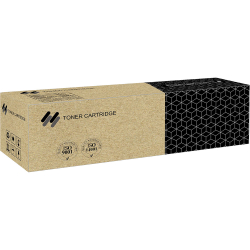
- Product Code: 50119
- Rank: 0
- Type:: Compatible
- Color:: Black
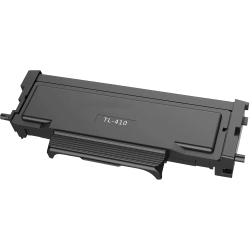
- Product Code: 42684
- Rank: 0
- Type:: Compatible
- Color:: Black
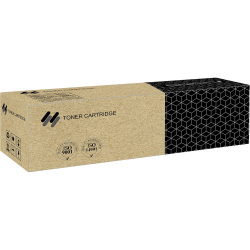
- Product Code: 50118
- Rank: 0
- Type:: Compatible
- Color:: Black
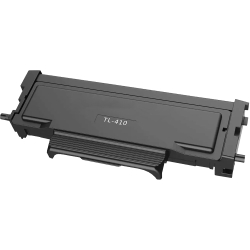
- Product Code: 42685
- Rank: 0
- Type:: Compatible
- Color:: Black
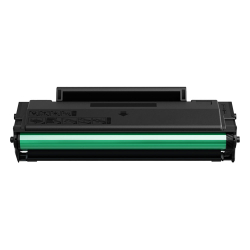
- Product Code: 42773
- Rank: 0
- Type:: Compatible
- Color:: Black
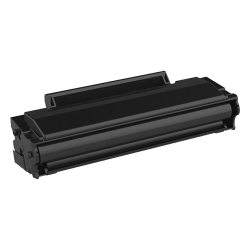
- Product Code: 42683
- Rank: 0
- Type:: Compatible
- Color:: Black
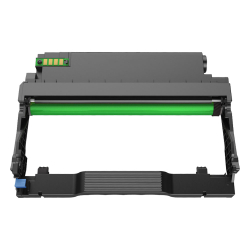
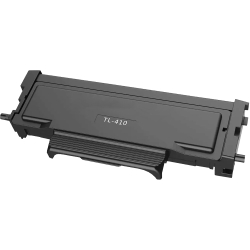
- Product Code: 42686
- Rank: 0
- Type:: Compatible
- Color:: Black
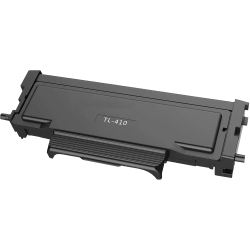
- Product Code: 42688
- Rank: 0
- Type:: Compatible
- Color:: Black
- Product Code: 46973
- Rank: 0
- Type:: Compatible
- Color:: Black
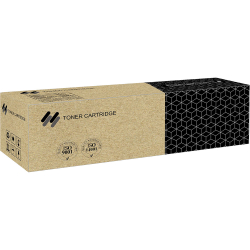
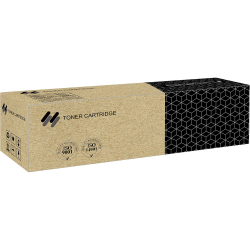
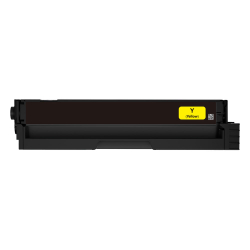
- Product Code: 42682
- Rank: 0
- Type:: Compatible
- Color:: Yellow
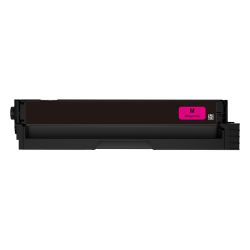
- Product Code: 42681
- Rank: 0
- Type:: Compatible
- Color:: Magenta
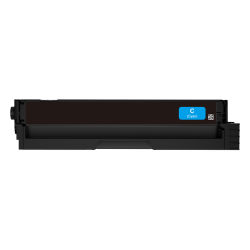
- Product Code: 42680
- Rank: 0
- Type:: Compatible
- Color:: Cyan
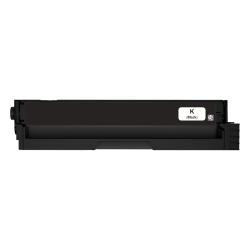
- Product Code: 42679
- Rank: 0
- Type:: Compatible
- Color:: Black
- Product Code: 50145
- Rank: 0
- Type:: Compatible
- Color:: Black
- Product Code: 50146
- Rank: 0
- Type:: Compatible
- Color:: Cyan
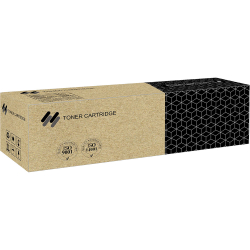
- Product Code: 50147
- Rank: 0
- Color:: Magenta
- Type:: Compatible
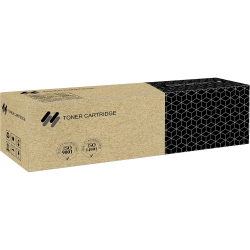
- Product Code: 50148
- Rank: 0
- Color:: Yellow
- Type:: Compatible
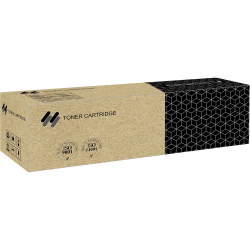
- Product Code: 50151
- Rank: 0
- Color:: Black
- Type:: Compatible
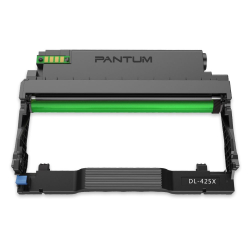
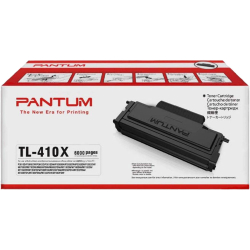
Choosing a high-quality and suitable toner for your printer is a major task that will make working with the device as easy as possible and may even affect its operational life.
If you have a Pantum brand printer, in our OK Office online store, you will find high-quality toners at affordable prices that will allow you trouble-free and reliable printing.
Why is it important to choose a compatible Pantum toner?
High-quality compatible toner cartridges can offer print quality comparable to the originals, while providing the opportunity to purchase them at much more affordable prices. Many manufacturers strive to meet the standards of brands such as Pantum, which provides excellent properties.
Thanks to the wide range of offers in the field of consumables, users can choose a product that best meets their needs.
What types of Pantum printer toners will you find with us?
Consumables in the category suitable for Pantum are distinguished by the following criteria:
- type – we have original and compatible models;
- color – we have different color options, such as Black, Yellow, Magenta, Cyan;
- capacity - we have models whose approximate number of copies is smaller, such as 1300 or 1500, as well as those with a large capacity, such as 25,000;
- compatibility – most are suitable for P3010, P3300, M6700, M6800, M7100 series, M7200 series.
Browse our offers and find the cartridge that meets the needs of your device.
FAQ for Тoner cartridges Pantum
How do I install a new toner cartridge in a Pantum printer?
To install a new toner cartridge in a Pantum printer, first turn off the printer and open the printer cover. Remove the old cartridge by pulling it out gently. Unpack the new cartridge and shake it gently to distribute the toner evenly. Insert it in place of the old one until it clicks into place. Close the cover and turn on the printer.
What are the advantages of original Pantum toner cartridges?
Original Pantum toner cartridges offer high reliability and compatibility with your printer. They ensure optimal print quality, less chance of defects and longer device life. In addition, using original cartridges maintains the printer warranty.
What should I do if the Pantum printer does not recognize the toner cartridge?
If the Pantum printer does not recognize the toner cartridge, check that the cartridge is installed correctly and that all protective tapes are removed. Restart the printer and try again. If the problem persists, clean the contacts on the cartridge and the printer with a soft cloth. If the problem still persists, contact our customer support team.
What should I do if the print quality with a Pantum toner cartridge is poor?
If the print quality is poor, first check that the toner cartridge is installed correctly and is not empty. Gently shake the cartridge to distribute the toner. Make sure the paper is compatible and not damp. If the problem persists, clean the inside of the printer following the instructions in the user manual.