


- Promotions
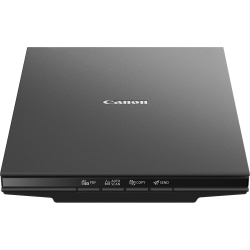
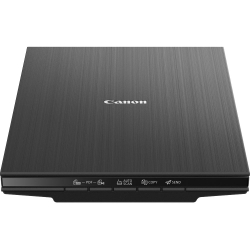
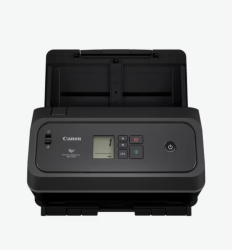
CANON Scanners
FAQ for Scanners
What are the advantages of CANON document scanners?
CANON document scanners offer high resolution and fast processing, making them ideal for offices and home use. They are known for their reliability and easy integration with various software platforms, making document digitization easy.
How do I install a CANON document scanner?
Installing a CANON scanner is easy and involves connecting it to your computer via USB or a network connection, then following the instructions in the software provided. It is usually necessary to download and install drivers from the official CANON website.
Are CANON scanners compatible with different operating systems?
Yes, most CANON scanners are compatible with major operating systems such as Windows, macOS and Linux. It is important to check the compatibility of the specific model before purchasing.
What are the most common problems with CANON scanners and how do I solve them?
The most common issues include slow performance, incorrectly recognized documents, or scanning errors. These are usually resolved by updating the drivers or checking the connection between the scanner and the computer.
How do I clean and maintain my CANON document scanner?
To keep your CANON scanner in good condition, regularly clean the glass and rollers with special cleaning cloths. It is recommended to follow the manufacturer's cleaning and maintenance instructions.