


- Promotions
Keyboards
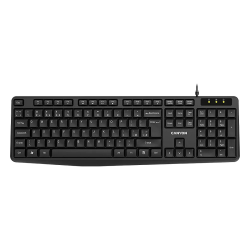
- Product Code: 21055
- Rank: 1
- Connection type:: Wired
- BDS Cyrillicization:: Yes
- Interface:: USB
- Color:: Black
- Multimedia buttons:: Yes
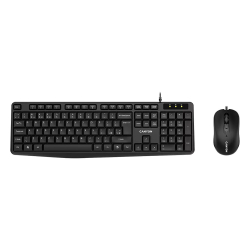
- Product Code: 27631
- Rank: 1
- Connection type:: Wired
- BDS Cyrillicization:: Yes
- Multimedia buttons:: Yes
- Interface:: USB
- Color:: Black
- Type:: Kit
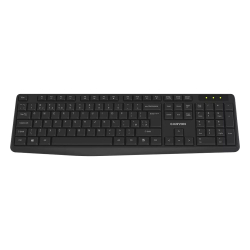
- Product Code: 48108
- Rank: 1
- Interface:: USB
- Color:: Black
- Multimedia buttons:: Yes
- Connection type::
- BDS Cyrillicization:: Yes
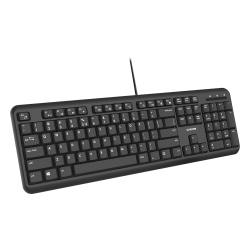
- Product Code: 37840
- Rank: 1
- Interface:: USB
- Color:: Black
- Silent buttons:: Yes
- Connection type:: Wired
- BDS Cyrillicization:: Yes
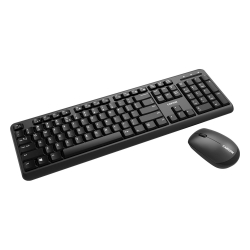
- Product Code: 37518
- Rank: 1
- Interface:: USB
- Color:: Black
- Type:: Kit
- Connection type::
- BDS Cyrillicization:: Yes
- Multimedia buttons:: Yes
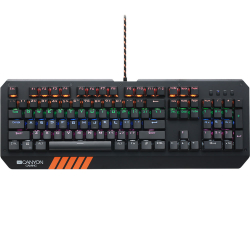
- Product Code: 37120
- Rank: 1
- BDS Cyrillicization:: No
- Backlight:: Yes
- Interface:: USB
- Color:: Orange
- Type:: Gaming
- Mechanical buttons:: Yes
- Connection type:: Wired
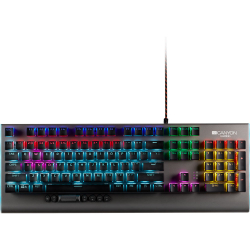
- Product Code: 39828
- Rank: 1
- Mechanical buttons:: Yes
- Connection type:: Wired
- BDS Cyrillicization:: No
- Backlight:: Yes
- Multimedia buttons:: Yes
- Interface:: USB
- Color:: Gray
- Type:: Gaming
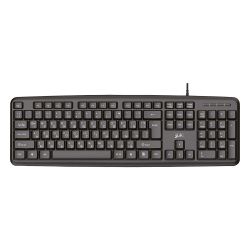
- Product Code: 15466
- Rank: 0
- Interface:: USB
- Color:: Black
- Connection type:: Wired
- BDS Cyrillicization:: Yes
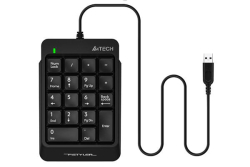
- Product Code: 2004711421951210
- Rank: 0
- Interface:: USB
- Color:: Black
- Connection type:: Wired
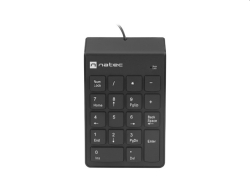
- Product Code: 2005901969438857
- Rank: 0
- Interface:: USB
- Color:: Black
- Silent buttons:: Yes
- Connection type:: Wired
- Type:: Numpad
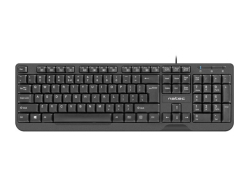
- Product Code: 2005901969408027
- Rank: 0
- Interface:: USB
- Color:: Black
- Connection type:: Wired
- Multimedia buttons:: Yes
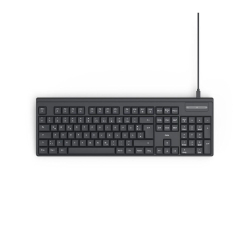
- Product Code: 47901
- Rank: 0
- BDS Cyrillicization:: Yes
- Interface:: USB Тype-C
- Color:: Black
- Connection type:: Wired
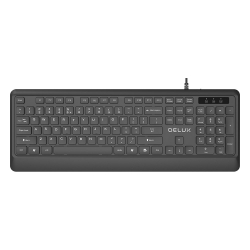
- Product Code: 47956
- Rank: 0
- BDS Cyrillicization:: Yes
- Interface:: USB
- Color:: Black
- Connection type:: Wired
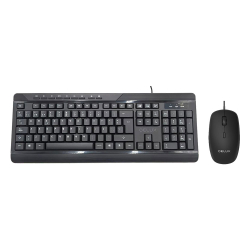
- Product Code: 49116
- Rank: 0
- BDS Cyrillicization:: Yes
- Multimedia buttons:: Yes
- Interface:: USB
- Color:: Black
- Type:: Kit
- Connection type:: Wired
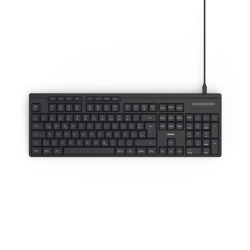
- Product Code: 2004047443523976
- Rank: 0
- Connection type:: Wired
- BDS Cyrillicization:: Yes
- Interface:: USB
- Color:: Black
- Multimedia buttons:: Yes
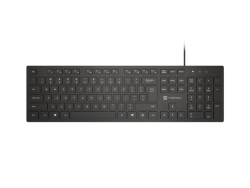
- Product Code: 2005901969449594
- Rank: 0
- Connection type:: Wired
- Silent buttons:: Yes
- Interface:: USB
- Color:: Black
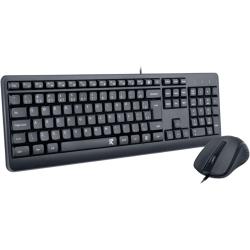
- Product Code: 47310
- Rank: 0
- Connection type:: Wired
- Type:: Kit
- Interface:: USB
- Color:: Black
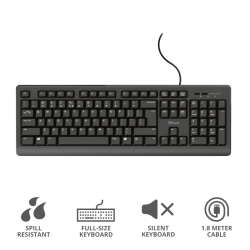
- Product Code: 2008713439243437
- Rank: 0
- Interface:: USB
- Color:: Black
- Silent buttons:: Yes
- Connection type:: Wired
- BDS Cyrillicization:: No
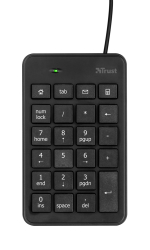
- Product Code: 2008713439222210
- Rank: 0
- Interface:: USB
- Color:: Black
- Connection type:: Wired
- Type:: Numpad
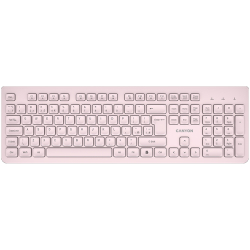
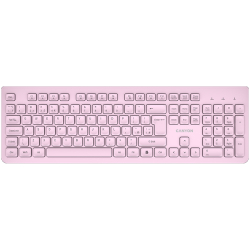
- Product Code: 2005291485017590
- Rank: 0
- Connection type:: Wireless
- Silent buttons:: Yes
- Interface:: USB
- Color:: Beige
- Multimedia buttons:: Yes
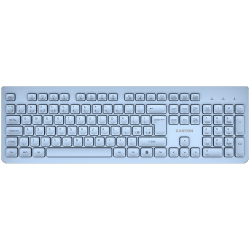
- Product Code: 2005291485017606
- Rank: 0
- Connection type:: Wireless
- Silent buttons:: Yes
- Interface:: USB
- Color:: Pink
- Multimedia buttons:: Yes
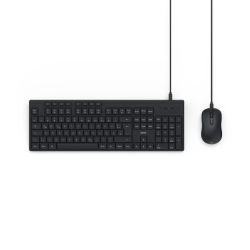
- Product Code: 2005291485017613
- Rank: 0
- Interface:: USB
- Color:: Blue
- Multimedia buttons:: Yes
- Connection type:: Wireless
- Silent buttons:: Yes
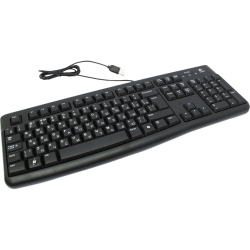
- Product Code: 2004047443524058
- Rank: 0
- Connection type:: Wired
- BDS Cyrillicization:: Yes
- Multimedia buttons:: Yes
- Interface:: USB
- Color:: Black
- Type:: Kit
- Product Code: 11446
- Rank: 0
- Interface:: USB
- Color:: Black
- Silent buttons:: Yes
- Connection type:: Wired
- BDS Cyrillicization:: Yes
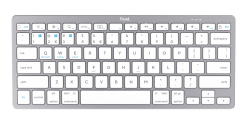
- Product Code: 2008713439246513
- Rank: 0
- Interface:: Bluetooth
- Color:: White
- Multimedia buttons:: Yes
- Connection type:: Wireless
- BDS Cyrillicization:: No
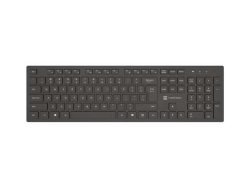
- Product Code: 2005901969449662
- Rank: 0
- Connection type:: Wireless
- Silent buttons:: Yes
- Interface:: Bluetooth
- Color:: Black
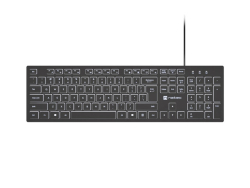
- Product Code: 2005901969449600
- Rank: 0
- Interface:: USB
- Color:: Black
- Silent buttons:: Yes
- Connection type:: Wired
- Backlight:: Yes
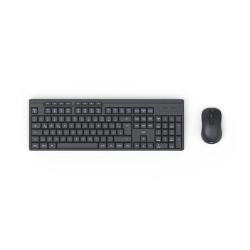
- Product Code: 2004047443536013
- Rank: 0
- Connection type:: Wireless
- BDS Cyrillicization:: Yes
- Multimedia buttons:: Yes
- Interface:: USB
- Color:: Black
- Type:: Kit
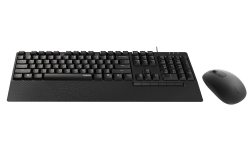
- Product Code: 2006940056191588
- Rank: 0
- Connection type:: Wired
- BDS Cyrillicization:: Yes
- Interface:: USB
- Color:: Black
- Type:: Kit
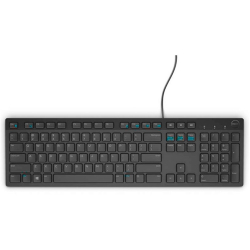
- Product Code: 31219
- Rank: 0
- Interface:: USB
- Color:: Black
- Multimedia buttons:: Yes
- Connection type:: Wired
- BDS Cyrillicization:: Yes
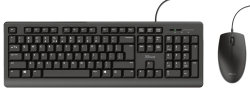
- Product Code: 2008713439243444
- Rank: 0
- Connection type:: Wired
- Type:: Kit
- Interface:: USB
- Color:: Black
- Product Code: 2005099206020924
- Rank: 0
- Interface:: USB
- Color:: Black
- Connection type:: Wired
- BDS Cyrillicization:: No
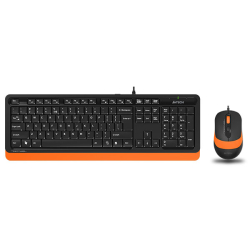
- Product Code: 2004711421943093
- Rank: 0
- Connection type:: Wired
- BDS Cyrillicization:: Yes
- Interface:: USB
- Color:: Orange
- Type:: Kit
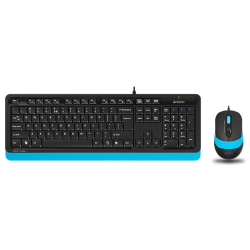
- Product Code: 2004711421943161
- Rank: 0
- Interface:: USB
- Color:: Blue
- Type:: Kit
- Connection type:: Wired
- BDS Cyrillicization:: Yes
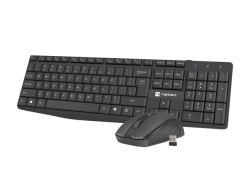
- Product Code: 2005901969437300
- Rank: 0
- Interface:: USB
- Color:: Black
- Connection type:: Wireless
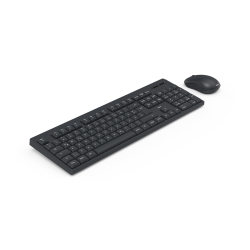
- Product Code: 2004047443523907
- Rank: 0
- Connection type:: Wireless
- BDS Cyrillicization:: Yes
- Multimedia buttons:: Yes
- Interface:: USB
- Color:: Black
- Type:: Kit
Without the various peripheral devices, you cannot use a computer or laptop. We present to you modern and functional keyboards available in our catalog. Since the options are very diverse, it is good to know how to choose the right one that is convenient for your work and offers you the right extras. You will need this type of device for work in the office, for home use or for playing games. According to your expectations, you will find a suitable model at affordable prices in the OK Office online store.
What are the main types of keyboards?
When you choose a new computer equipment, you have to consider the various criteria that will guide you to a certain model. Today, keyboards perform multiple tasks because they are designed for different types of users. In addition to the standard buttons, some models contain multimedia and other additional functions. These devices are in different price categories. We will present you the main ones:
- budget model - these keyboards are suitable for office work. They have a standard layout and an additional digital panel. An extremely good choice if you use Excel regularly. They have a clean and simple design and do not have buttons offering additional extras. Canyon CKEY5 from our catalog is a good offer. Its design is comfortable to work and ergonomic enough;
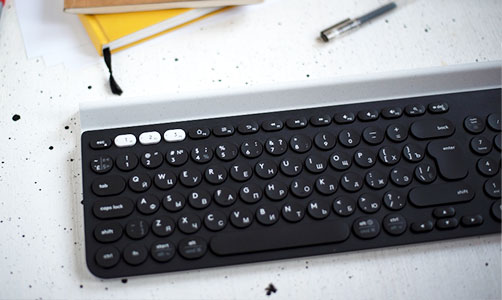
- multimedia - visually the panel will seem quite complicated to you. It is equipped with many keys that are responsible for volume, browser, documents or launch certain programs. It is characterized by its larger dimensions. We recommend the Logitech K380 Multi-Device Bluetooth Keyboard-OFFWHITE. It has an elegant and slim case with an ergonomic design. Works via Bluetooth connection. This allows you to use it with your laptop, tablet and even phone. Another plus is the silent keys;
- gaming keyboards - since they are designed for gaming, some of the models have raised arrows and W, A, S, D buttons. This type of device lacks the number pad. However, there are additional keys. In the OK Office online store you will find Logitech POP Keys Blast, TKL, Bluetooth 5.1. guarantees a great feeling while typing or gaming. Its small size and compact design allow it to be easily carried.
When investing in a new keyboard, always consider where you will use it and what you expect from it.
Why order from OK Office?
In our catalog you will find a huge variety of all types of keyboards at affordable prices. We represent some of the most famous and proven manufacturers such as Genesis, Logitech, Dell, Canyon and others. They guarantee that you will be satisfied with your purchase and that it will serve you long and without problems.

FAQ for Keyboards
What are the different types of keyboards for computers and laptops?
There are several types of keyboards, including mechanical, membrane, and wireless. Mechanical keyboards offer tactile feedback and are preferred by gamers, while membrane keyboards are quieter and often more affordable. Wireless keyboards provide flexibility and convenience when working from a distance.
How do I clean my keyboard properly?
To clean your keyboard, turn it off and use a gentle stream of air to remove dust from between the keys. Use a soft cloth lightly dampened with isopropyl alcohol to wipe the surface. Avoid using liquids directly on the keyboard.
What features should a gaming keyboard have?
Gaming keyboards typically feature mechanical switches for fast response, RGB backlighting for customization, and additional programmable keys for macros. Durability and ergonomic design are also key factors for long gaming sessions.
What should I do if my keyboard is not working?
If your keyboard is not working, first check if it is properly connected or if the batteries are charged if it is wireless. Restart your computer and check the drivers. If the problem persists, consult technical support.
Does it make sense to invest in an ergonomic keyboard?
Ergonomic keyboards are designed to reduce stress on the wrists and prevent strain from building up. They are an excellent choice for people who work long hours on a computer and can help prevent problems like carpal tunnel.