


- Promotions
Dot matrix printers ribbons
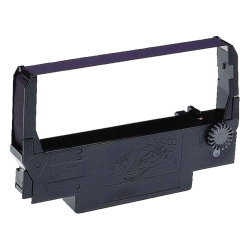
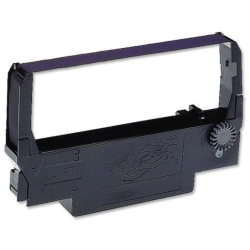
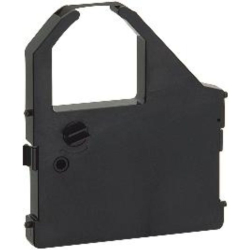
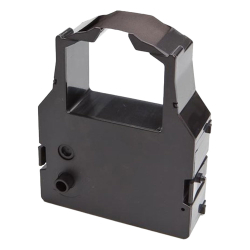
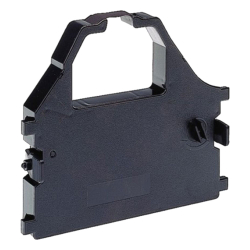
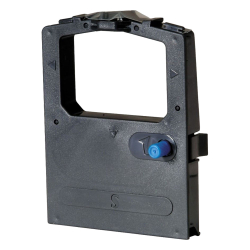
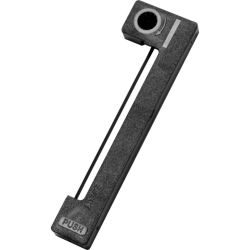
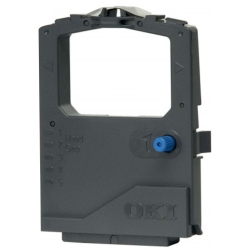
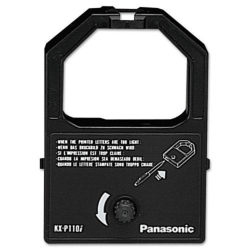
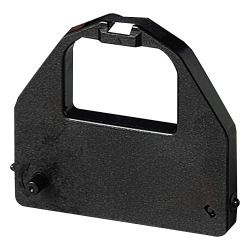

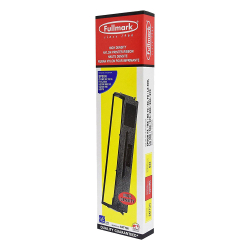
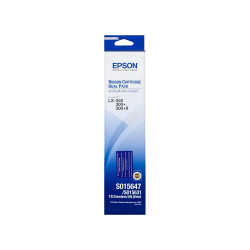
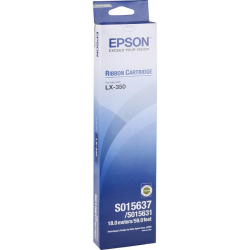
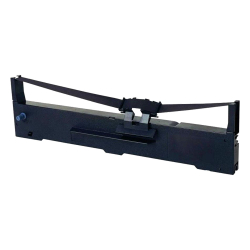
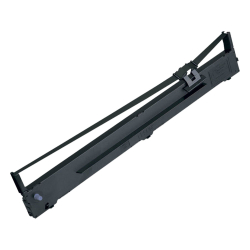
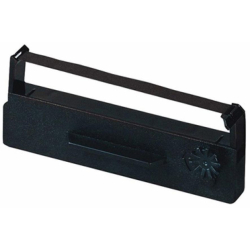
Dot-matrix printer ribbons are consumables designed for printing using impact-matrix technology. They are used in compatible printers to print documents, forms, reports, receipts, and other materials. At OK Office, we offer both original and compatible ribbons for various series of dot-matrix printers.
How to choose the right ribbon for a dot-matrix printer?
For the printer to function correctly, the primary criterion is compatibility with the specific printer model. Ribbons vary in terms of construction and cartridge size; therefore, simply knowing the brand is not enough to guarantee that a specific consumable is compatible with your device.
Before making a purchase, it is advisable to consider a few key characteristics:
- printer brand and model – it is essential to check the full designation of the device, as different series from the same manufacturer may require different ribbons;
- original or compatible ribbon – this category offers both original consumables and compatible alternatives for specific models;
- color – black, purple, and two-tone (black/red) ribbons are available, depending on compatibility and intended use;
- packaging – some ribbons are sold individually, while others are available in multi-packs.
Taking these factors into account helps you select a ribbon that is suitable for your specific printer and how you use it.
For which dot-matrix printers are ribbons available?
This category includes consumables for various series of dot-matrix printers from brands such as Epson, Star, Oki, and Panasonic. This offers options for both compact devices and models designed for regular, high-volume printing tasks.
The available ribbons cover a wide range of device series and generations; therefore, the most reliable way to find the right product is to use the printer's exact model designation. If a ribbon is listed as compatible with several models, it can be used with the devices specified, in accordance with information provided by the manufacturer or supplier.
Original or Compatible Ribbon for Dot Matrix Printers?
Original ribbons are manufactured or offered by the equipment manufacturer specifically for their own devices. Compatible ribbons are alternative consumables designed for use with specific models of dot matrix printers.
When making a choice, it should not be assumed that one type is always superior to the other. It is more important to verify the stated compatibility with your printer and the specifications of the particular ribbon. OK Office offers both options for many of the supported devices.
What Is the Significance of the Ribbon Color?
The color determines how information appears when printed on paper. While single-color ribbons are the most common, various color options are also available for compatible devices.
Black ribbons are used for standard monochrome printing, while purple ribbons produce a print in that specific color. Two-tone (black and red) ribbons allow for printing in two colors, provided the device supports this feature.
Before selecting a color other than the standard, ensure that your specific printer is compatible with that type of ribbon.
At OK Office, you will find ribbons for various dot matrix printer models, including both original and compatible options. Check compatibility with your device and select the appropriate consumable for reliable performance during daily printing.
FAQ for Dot matrix printers ribbons
How do I know when the ribbon for a dot-matrix printer needs to be replaced?
One of the primary signs is the gradual fading of the print, even when the printer is otherwise functioning normally. If print quality deteriorates, it is advisable to check the condition of the ribbon and consult the device's maintenance instructions.
Can a ribbon be compatible with several printer models?
Yes. Some tapes are designed for more than one model or for several devices within a specific series. Compatibility should be explicitly stated for the particular consumable.
How do you change the ribbon on a dot-matrix printer?
How do you replace the ribbon on a dot-matrix printer?
The installation method depends on the design of the printer and the cartridge. To ensure a correct replacement, follow the device manufacturer's instructions, taking care not to stretch the ribbon or force it into place.
How should the spare tape be stored?
It is advisable to store unopened consumables in their original packaging and under the conditions specified by the manufacturer. This protects them from contamination and adverse effects prior to use.