- Promotions
How to Connect a Phone Camera as a Webcam to a Computer?
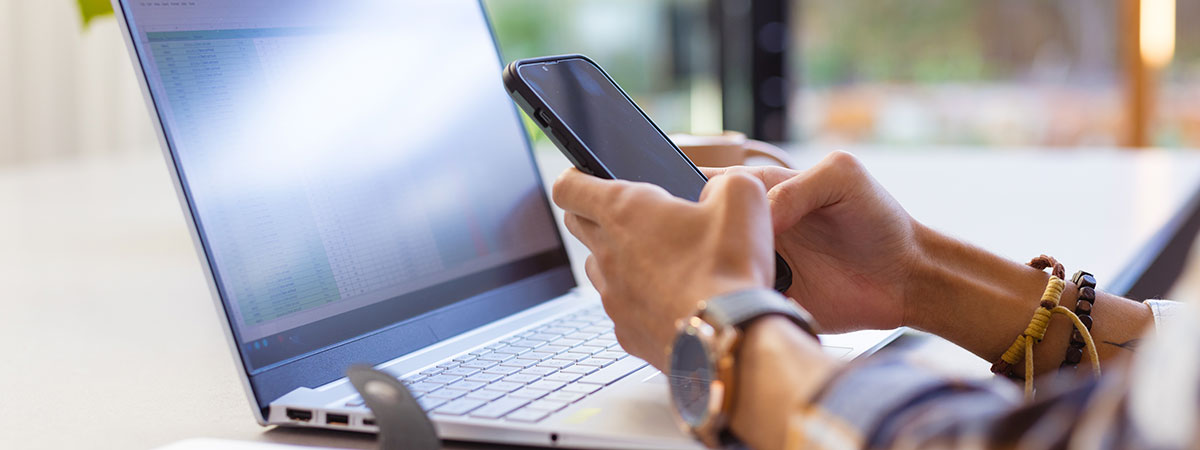
Table of Contents
1. Why use a smartphone as a webcam?
2. Connection methods and applications
Technology is developing at breakneck speed, and today you don't need to invest in expensive peripherals to get excellent quality for your video calls. Your smartphone can turn into a reliable webcam, provided you use the right applications and connection methods. This is a practical solution that gives you freedom and flexibility, whether it's for working from home, online learning, or creating professional content.
Why use a smartphone as a webcam?
When picture quality matters, there is no better choice than the camera of a modern smartphone. Most devices offer far better optics and a clearer image compared to a standard webcam. This is crucial in video conferences, where the first impression depends on how clearly you look to the other participants.
Furthermore, the ability to adjust the resolution and control the video quality makes you more flexible and ready for any situation – from informal meetings on Viber to official calls on Google Meet, Microsoft Teams, important presentations on Zoom, or streaming on OBS Studio.
Using your phone as a webcam not only saves you money but also guarantees that you will always have a high-performance device at hand. Add to this the fact that every modern camera in any smartphone offers features like autofocus, light correction, and good performance in low light – and you get a completely professional tool instead of buying a separate webcam.
Connection methods and applications
To make the most of your smartphone's capabilities when used as a webcam, you have several different connection methods. Depending on your needs, you can choose between a USB connection and a wireless connection, and the variety of applications makes the whole process easier:
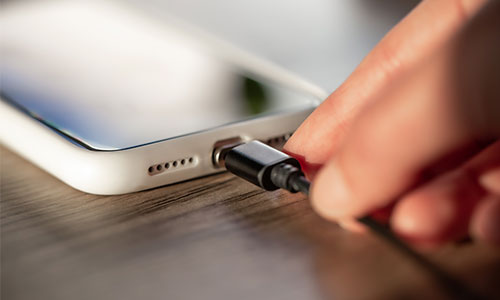
- USB Connection. With this method, you simply connect your smartphone to the computer with a cable. This solution is stable, with no picture lag, and also provides constant power during operation. It is recommended when you use the camera for long conversations or streaming because it eliminates the risk of the battery draining quickly.
- Wireless Connection. If you want more freedom, you can connect the phone via Wi-Fi. This gives you the option to position the device anywhere in the room and achieve a better shooting angle. Some applications even allow you to use the smartphone as an IP camera, which opens up even greater possibilities for monitoring and work.
- Webcam Applications. The most popular solutions include DroidCam, iVCam, Iriun, and EpocCam. They work on both Android phones and iPhones, and installation is quick and intuitive. With them, you can choose the resolution, use microphone support, and manage basic settings directly from the program's interface.
The possibilities are diverse and adaptable. Whether you are looking for stability, mobility, or more setting options, you can always find a solution that fits the specific situation.