


- Promotions
Wireless keyboards
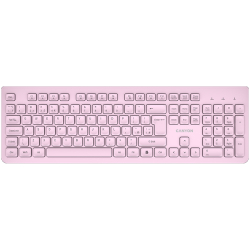
- Product Code: 2005291485017606
- Rank: 0
- Connection type:: Wireless
- Silent buttons:: Yes
- Interface:: USB
- Color:: Pink
- Multimedia buttons:: Yes
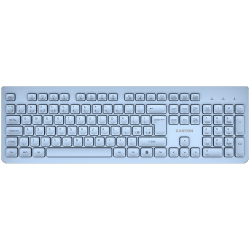
- Product Code: 2005291485017613
- Rank: 0
- Interface:: USB
- Color:: Blue
- Multimedia buttons:: Yes
- Connection type:: Wireless
- Silent buttons:: Yes
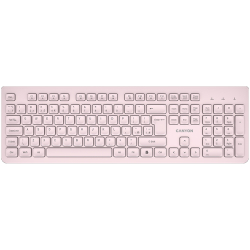
- Product Code: 2005291485017590
- Rank: 0
- Connection type:: Wireless
- Silent buttons:: Yes
- Interface:: USB
- Color:: Beige
- Multimedia buttons:: Yes
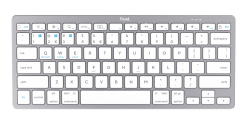
- Product Code: 2008713439246513
- Rank: 0
- Interface:: Bluetooth
- Color:: White
- Multimedia buttons:: Yes
- Connection type:: Wireless
- BDS Cyrillicization:: No
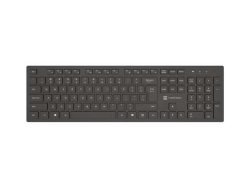
- Product Code: 2005901969449662
- Rank: 0
- Connection type:: Wireless
- Silent buttons:: Yes
- Interface:: Bluetooth
- Color:: Black
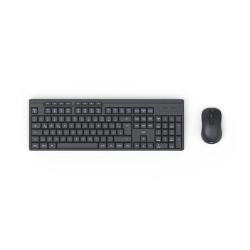
- Product Code: 2004047443536013
- Rank: 0
- Connection type:: Wireless
- BDS Cyrillicization:: Yes
- Multimedia buttons:: Yes
- Interface:: USB
- Color:: Black
- Type:: Kit
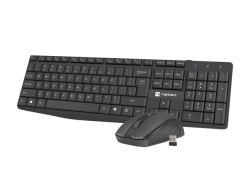
- Product Code: 2005901969437300
- Rank: 0
- Interface:: USB
- Color:: Black
- Connection type:: Wireless
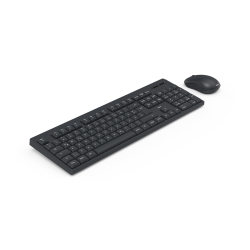
- Product Code: 2004047443523907
- Rank: 0
- Connection type:: Wireless
- BDS Cyrillicization:: Yes
- Multimedia buttons:: Yes
- Interface:: USB
- Color:: Black
- Type:: Kit
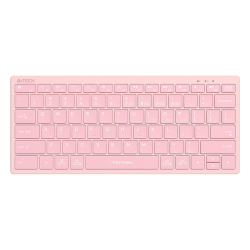
- Product Code: 2004711421973052
- Rank: 0
- Interface:: Bluetooth / USB
- Color:: Pink
- Multimedia buttons:: Yes
- Connection type:: Wireless
- BDS Cyrillicization:: Yes
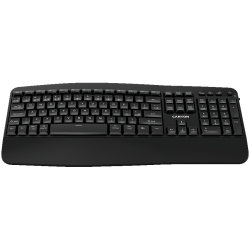
- Product Code: 2005291485017101
- Rank: 0
- Color:: Black
- Multimedia buttons:: Yes
- Connection type:: Wireless
- BDS Cyrillicization:: No
- Interface:: Bluetooth / USB
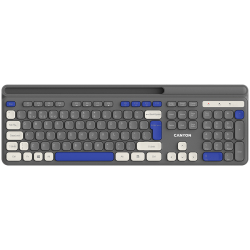
- Product Code: 2005291485015718
- Rank: 0
- Connection type:: Wireless
- Silent buttons:: Yes
- Multimedia buttons:: Yes
- Interface:: USB
- Color:: Gray
- BDS Cyrillicization:: No
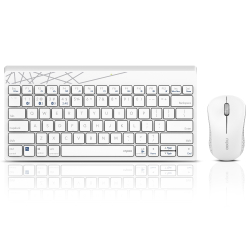
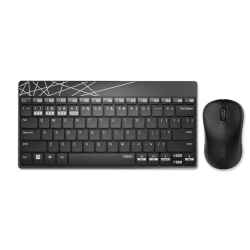
- Product Code: 2006940056183248
- Rank: 0
- Connection type:: Wireless
- BDS Cyrillicization:: Yes
- Multimedia buttons:: Yes
- Interface:: Bluetooth / USB
- Color:: White
- Type:: Kit
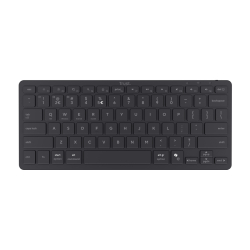
- Product Code: 2006940056183125
- Rank: 0
- Interface:: Bluetooth / USB
- Color:: Black
- Type:: Kit
- Connection type:: Wireless
- BDS Cyrillicization:: Yes
- Multimedia buttons:: Yes
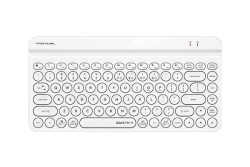
- Product Code: 2008713439257304
- Rank: 0
- Interface:: Bluetooth
- Color:: Black
- Connection type:: Wireless
- Multimedia buttons:: Yes
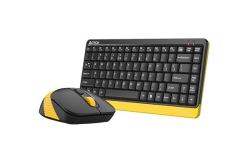
- Product Code: 2004711421972567
- Rank: 0
- Multimedia buttons:: Yes
- Interface:: Bluetooth / USB
- Color:: White
- Silent buttons:: Yes
- Connection type:: Wireless
- BDS Cyrillicization:: Yes
- Product Code: 2004711421987752
- Rank: 0
- Connection type:: Wireless
- BDS Cyrillicization:: Yes
- Multimedia buttons:: Yes
- Interface:: USB
- Color:: Black
- Type:: Kit
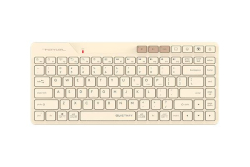
- Product Code: 2004711421000215
- Rank: 0
- Connection type:: Wireless
- BDS Cyrillicization:: Yes
- Multimedia buttons:: Yes
- Interface:: Bluetooth / USB
- Color:: Beige
- Silent buttons:: Yes
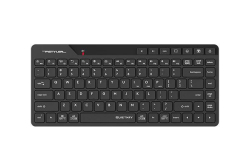
- Product Code: 2004711421000208
- Rank: 0
- Connection type:: Wireless
- BDS Cyrillicization:: Yes
- Multimedia buttons:: Yes
- Interface:: Bluetooth / USB
- Color:: Black
- Silent buttons:: Yes
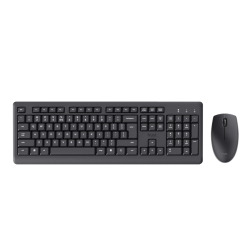
- Product Code: 2008713439253474
- Rank: 0
- Interface:: USB
- Color:: Black
- Connection type:: Wireless
- Type:: Kit
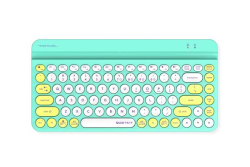
- Product Code: 2004711421976206
- Rank: 0
- Interface:: Bluetooth / USB
- Color:: Green
- Silent buttons:: Yes
- Connection type:: Wireless
- BDS Cyrillicization:: Yes
- Multimedia buttons:: Yes
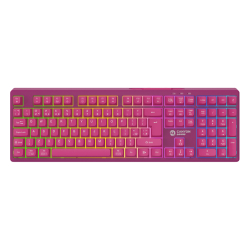
- Product Code: 2005291485018023
- Rank: 0
- Connection type:: Wireless
- BDS Cyrillicization:: No
- Backlight:: Yes
- Interface:: Bluetooth / USB
- Color:: Pink
- Type:: Gaming
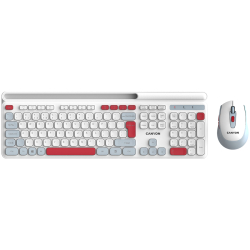
- Product Code: 2005291485015671
- Rank: 0
- Interface:: USB
- Color:: White
- Silent buttons:: Yes
- Multimedia buttons:: Yes
- Connection type:: Wireless
- Type:: Kit
- BDS Cyrillicization:: No
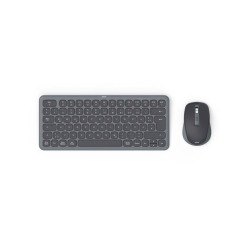
- Product Code: 2004047443524348
- Rank: 0
- BDS Cyrillicization:: Yes
- Multimedia buttons:: Yes
- Interface:: Bluetooth / USB
- Color:: Black
- Type:: Kit
- Connection type:: Wireless
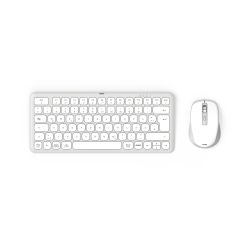
- Product Code: 2004047443524355
- Rank: 0
- Connection type:: Wireless
- BDS Cyrillicization:: Yes
- Multimedia buttons:: Yes
- Interface:: Bluetooth / USB
- Color:: White
- Type:: Kit
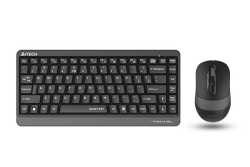
- Product Code: 2004711421984812
- Rank: 0
- Type:: Kit
- Multimedia buttons:: Yes
- Connection type:: Wireless
- BDS Cyrillicization:: Yes
- Silent buttons:: Yes
- Interface:: USB
- Color:: Gray
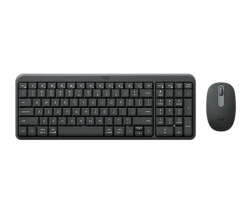
- Product Code: 2005099206130982
- Rank: 0
- Interface:: Bluetooth
- Color:: Gray
- Type:: Kit
- Connection type:: Wireless
- BDS Cyrillicization:: Yes
- Multimedia buttons:: Yes
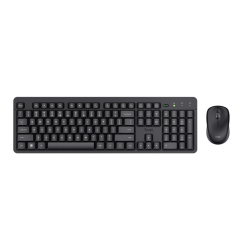
- Product Code: 2008713439250183
- Rank: 0
- BDS Cyrillicization:: No
- Connection type:: Wireless
- Type:: Kit
- Multimedia buttons:: Yes
- Interface:: USB
- Color:: Black
- Silent buttons:: Yes

- Product Code: 2006940056161796
- Rank: 0
- Connection type:: Wireless
- BDS Cyrillicization:: Yes
- Interface:: USB
- Color:: Black
- Multimedia buttons:: Yes
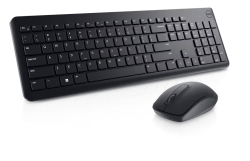
- Product Code: 2005397184620984
- Rank: 0
- Connection type:: Wireless
- Type:: Kit
- Multimedia buttons:: Yes
- Interface:: USB
- Color:: Black
- BDS Cyrillicization:: No
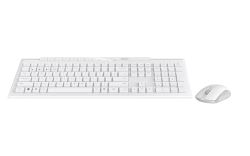
- Product Code: 2006940056135902
- Rank: 0
- Interface:: Bluetooth / USB
- Color:: White
- Type:: Kit
- Connection type:: Wireless
- BDS Cyrillicization:: Yes
- Multimedia buttons:: Yes
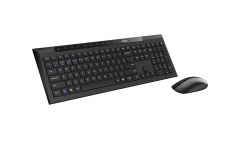
- Product Code: 2006940056135742
- Rank: 0
- Connection type:: Wireless
- BDS Cyrillicization:: Yes
- Multimedia buttons:: Yes
- Interface:: Bluetooth / USB
- Color:: Black
- Type:: Kit
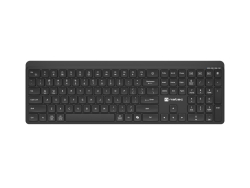
- Product Code: 2005901969450873
- Rank: 0
- Color:: Black
- Connection type:: Wireless
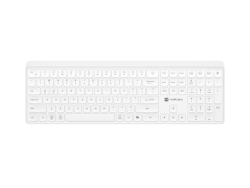
- Product Code: 2005901969450880
- Rank: 0
- Interface:: Bluetooth / USB
- Color:: White
- Connection type:: Wireless
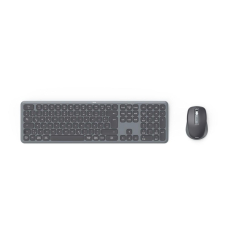
- Product Code: 2004047443524447
- Rank: 0
- Interface:: Bluetooth / USB
- Color:: Black
- Type:: Kit
- Connection type:: Wireless
- BDS Cyrillicization:: Yes
- Multimedia buttons:: Yes
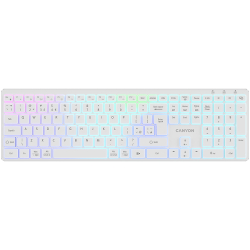
- Product Code: 2005291485017477
- Rank: 0
- Interface:: Bluetooth / USB
- Color:: White
- Multimedia buttons:: Yes
- Connection type:: Wireless
- Backlight:: Yes
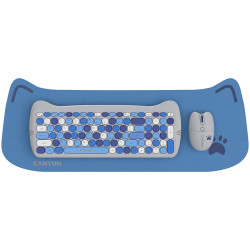
- Product Code: 2005291485015633
- Rank: 0
- Connection type:: Wireless
- Type:: Kit
- BDS Cyrillicization:: No
- Interface:: USB
- Color:: Blue
- Silent buttons:: Yes
Wireless keyboards are a practical and modern solution for everyone who values convenience, mobility and a tidy workspace. They provide freedom of movement, a cleaner visual environment and flexibility when working in the office, at home or on the go. At OK Office, a carefully selected selection of wireless keyboards with different functions, designs and price categories awaits you, suitable for both professionals and everyday users.
What are wireless keyboards and why are they so preferred?
Wireless keyboards use Bluetooth or 2.4 GHz RF connection, which allows easy pairing with computers, laptops, tablets and smart TVs, without the need for cables. This frees up desk space, facilitates arrangement and allows working from a greater distance, which is convenient for presentations, multimedia systems or various office configurations.
Modern wireless models offer a stable connection, minimal lag and long battery life. Some keyboards also support connecting to multiple devices at the same time, making it easy to switch between a computer, tablet, or smartphone with just one button.
Main advantages of wireless keyboards
- Freedom of movement and ergonomics. You can place it wherever you are most comfortable. This improves your working posture, reduces strain on your wrists, and allows for more flexible space organization. It is suitable for home offices, remote work, or users who frequently change their position.
- A tidy and modern workplace. The lack of cables reduces desk clutter and creates a clean, professional look. This makes the workplace look more welcoming, and cleaning and maintenance become easier.
- Wide compatibility and useful features. Most models work seamlessly with Windows, macOS, Linux, Android and iOS.
Additional extras such as multimedia keys, backlighting, programmable buttons or a built-in touchpad contribute to better functionality and customization according to your needs.
How to choose the right wireless keyboard?
The right choice depends on how and where you plan to use the keyboard:
- Key type:
- Membrane: quiet, light and suitable for office work;
- Mechanical: provides fast response and tactile feedback, preferred by gamers and people who type a lot.
- Connectivity:
- Bluetooth: ideal for working with laptops, mobile devices and multi-devices;
- 2.4 GHz with USB receiver: easy installation and stable connection with desktop computers.
- Size and design:
- Full-size keyboards: convenient for intensive work with text or numbers;
- Compact models: suitable for travel, small desks or minimalist configurations.
- Autonomy. Keyboards can be battery-powered or with a built-in rechargeable battery. Good models work for months without needing to be charged, and battery indicators prevent unwanted interruptions.
- Additional features. Backlight, multimedia buttons, ergonomic shapes, phone stand, touchpad - all elements that can make your work more comfortable.
Modern technologies and trends
Modern wireless keyboards use technologies such as Bluetooth Low Energy (BLE) for lower power consumption and longer battery life. Multi-device support allows for quick switching between multiple devices, which is important in a hybrid work environment.
Ergonomic models with a split layout, adjustable tilt or built-in wrist rests reduce fatigue during prolonged work. Environmentally friendly materials are increasingly used, which meets the needs of sustainable consumption.
At OK Office, we also offer attractive prices for corporate clients and larger orders, which is suitable for teams, coworking spaces or complete office equipment.
Maintenance
To enjoy a long life of the device:
- Clean the surface and between the keys regularly.
- Protect the keyboard from spills and high humidity.
- Monitor the battery level and update the firmware if the manufacturer offers it.
Higher-end models have customization software — macro settings, lighting modes or energy-saving options.
Find the perfect wireless keyboard at OK Office
Wireless keyboards are a smart solution for more comfortable, clean and efficient work. In our online store you will find models for every style and budget - from compact and mobile to professional and premium options.
Browse our range and choose a keyboard that provides you with freedom, comfort and reliability every day.
FAQ for Keyboards
What are the different types of keyboards for computers and laptops?
There are several types of keyboards, including mechanical, membrane, and wireless. Mechanical keyboards offer tactile feedback and are preferred by gamers, while membrane keyboards are quieter and often more affordable. Wireless keyboards provide flexibility and convenience when working from a distance.
How do I clean my keyboard properly?
To clean your keyboard, turn it off and use a gentle stream of air to remove dust from between the keys. Use a soft cloth lightly dampened with isopropyl alcohol to wipe the surface. Avoid using liquids directly on the keyboard.
What features should a gaming keyboard have?
Gaming keyboards typically feature mechanical switches for fast response, RGB backlighting for customization, and additional programmable keys for macros. Durability and ergonomic design are also key factors for long gaming sessions.
What should I do if my keyboard is not working?
If your keyboard is not working, first check if it is properly connected or if the batteries are charged if it is wireless. Restart your computer and check the drivers. If the problem persists, consult technical support.
Does it make sense to invest in an ergonomic keyboard?
Ergonomic keyboards are designed to reduce stress on the wrists and prevent strain from building up. They are an excellent choice for people who work long hours on a computer and can help prevent problems like carpal tunnel.