


- Promotions
HP Printers
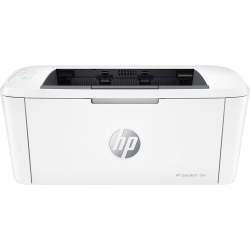
- Product Code: 40028
- Rank: 1
- Print format:: A4
- Recommend. monthly load:: 1 000 copies
- Wireless network:: Yes
- Print speed black:: 20 pages per minute
- Double-sided printing:: Manual
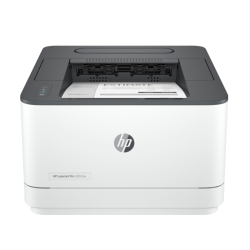
- Product Code: 5200006303963909
- Rank: 0
- Print format:: A4
- Printing technology:: Laser
- Recommend. monthly load:: 2 500 copies
- Wireless network:: Yes
- Print speed black:: 33 pages per minute
- Network:: Yes
- Double-sided printing:: Automatic
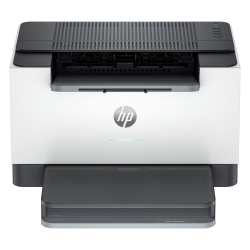
- Product Code: 5500007047312974
- Rank: 0
- Print speed black:: 27 pages per minute
- Network:: Yes
- Double-sided printing:: Automatic
- Scan:: A4
- Print format:: A4
- Printing technology:: Laser
- Recommend. monthly load:: 20,000 copies
- Wireless network:: Yes
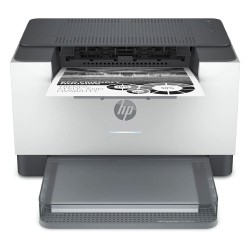
- Product Code: 5500007004125562
- Rank: 0
- Printing technology:: Laser
- Double-sided printing:: Automatic
- Bluetooth:: Yes
- Print speed black:: 29 pages per minute
- Recommend. monthly load:: 20,000 copies
- Wireless network:: Yes
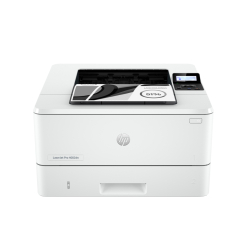
- Product Code: 5200006303969657
- Rank: 0
- Print speed black:: 40 pages per minute
- Network:: Yes
- Double-sided printing:: Automatic
- Print format:: A4
- Printing technology:: Laser
- Recommend. monthly load:: 4 000 copies
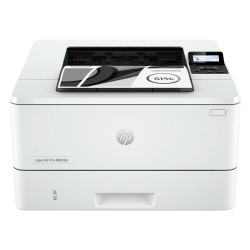
- Product Code: 5500007046131228
- Rank: 0
- Printing technology:: Laser
- Recommend. monthly load:: 80 000 copies
- Print speed black:: 40 pages per minute
- Network:: Yes
- Double-sided printing:: Automatic
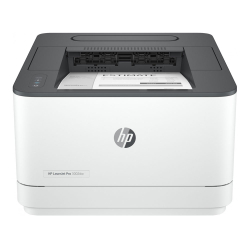
- Product Code: 5500007046135429
- Rank: 0
- Recommend. monthly load:: 2 500 copies
- Wireless network:: Yes
- Print speed black:: 33 pages per minute
- Network:: Yes
- Double-sided printing:: Yes
- Bluetooth:: Yes
- Print format:: A4
- Printing technology:: Laser
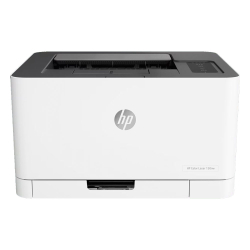
- Product Code: 5500007004014480
- Rank: 0
- Print format:: A4
- Print speed black:: 18 pages per minute
- Network:: Yes
- Double-sided printing:: Manual
- Scan:: A4
- Color print speed:: 4 pages per minute
- Printing technology:: Laser
- Recommend. monthly load:: 20,000 pages
- Wireless network:: Yes
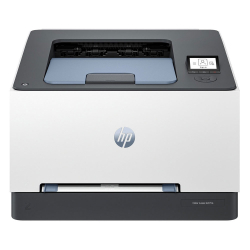
- Product Code: 5500007047220720
- Rank: 0
- Print format:: A4
- Print speed black:: 25 pages per minute
- Recommend. monthly load::
- Color print speed:: 25 pages per minute
- Printing technology:: Laser
- Double-sided printing:: Automatic
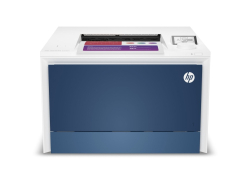
- Product Code: 5200006306060860
- Rank: 0
- Network:: Yes
- Double-sided printing:: Automatic
- Color print speed:: 33 pages per minute
- Printing technology:: Laser
- Recommend. monthly load:: 750 copies
- Wireless network:: Yes
- Print format:: A4
- Print speed black:: 33 pages per minute
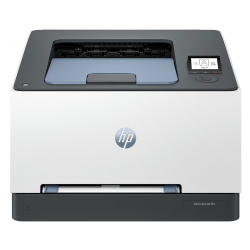
- Product Code: 5500007047108557
- Rank: 0
- Print speed black:: 25 pages per minute
- Network:: Yes
- Double-sided printing:: Automatic
- Color print speed:: 25 pages per minute
- Printing technology:: Laser
- Recommend. monthly load:: 2 500 copies
- Wireless network:: Yes
- Print format:: A4
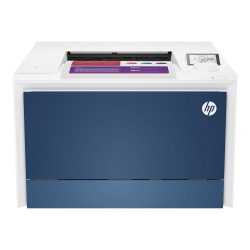
- Product Code: 5500007046317710
- Rank: 0
- Double-sided printing:: Automatic
- Print format:: A4
- Print speed black:: 33 pages per minute
- Recommend. monthly load::
- Wireless network:: Yes
- Color print speed:: 33 pages per minute
- Printing technology:: Laser
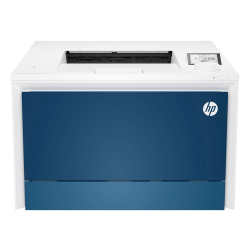
- Product Code: 5500007046317731
- Rank: 0
- Recommend. monthly load:: 4 000 copies
- Wireless network:: Yes
- Print format:: A4
- Print speed black:: 33 pages per minute
- Network:: Yes
- Double-sided printing:: Automatic
- Bluetooth:: Yes
- Color print speed:: 33 pages per minute
- Printing technology:: Laser
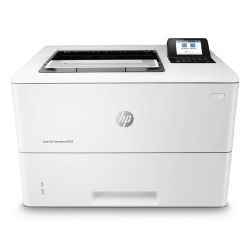
- Product Code: 5500007004014453
- Rank: 0
- Print speed black:: 43 pages per minute
- Network:: Yes
- Double-sided printing:: Automatic
- Print format:: A4
- Printing technology:: Laser
- Recommend. monthly load:: 7 500 copies
If you are looking for a reliable and practical printing solution, HP is one of the most recognizable brands in the world of printing equipment. At OK Office you will find a variety of original HP devices – from compact models for home and study to more productive printers for office and business use.
Who are HP printers suitable for?
Here you will find solutions suitable for:
- home printing and student needs;
- All-in-One devices for work and documents;
- office printers with network connection and automatic double-sided printing;
- laser models for high-volume text documents.
What HP printers can you choose from?
HP offers several main types of printers depending on what you print most often – documents, colored materials or labels for organization and work.
Monochrome laser printers – fast and economical text printing
If your main task is printing contracts, invoices, spreadsheets and office documents, monochrome laser models are the most practical solution. They are reliable, work quickly and are especially profitable for larger volumes of black and white printing.
Color laser printers – professional results for business materials
For presentations, graphics and documents that need to look more impressive, color laser printers are an excellent choice. They provide saturated printing, good speed and are suitable for office environments where color content is used more often.
Inkjet printers – compact solution for home use
HP inkjet printers are suitable if you print less often or need color printing at home. They are convenient for lighter tasks and everyday materials, without requiring a large initial investment.
Label printers – specialized solutions for organization and marking
HP also offers label printers that are especially useful for offices, stores, warehouses and workspaces where clear labeling is required. They are a practical choice for quickly printing adhesive labels, barcodes and markings.
How to choose the right printer for your needs?
Before making a choice, it is useful to answer a few questions:
- How often will you print?
- Do you work mainly with text or do you also need color prints?
- Do you need a scanner and copy?
- Do you want Wi-Fi printing and automatic duplex mode?
These details will help you choose a device that really suits the way you work.
What is important to check before buying?
For an easier comparison, pay attention to a few key features:
- print speed (pages per minute);
- monthly workload, suitable for your workload;
- two-sided printing (duplex) – saves time and paper;
- connectivity – Wi-Fi, USB or Ethernet;
- All-in-One functions, if you need scanning and copying.
With the right HP printer, printing becomes faster, more convenient and more efficient – every day.
Why is HP a safe investment?
HP is an established brand with a long-standing reputation for stable operation, quality printing and good support for original consumables. Whether you need a printer for home documents or a device for a busy office, HP offers reliable solutions with an excellent price-performance ratio.
View the offers at OK Office, compare models and choose a printer that fits your everyday life – such as features, speed and maintenance costs.
FAQ for Printers
How do I install an HP printer at home?
Installing an HP printer is usually easy and involves connecting it to a computer or network via a USB cable or wirelessly. Then, you need to install the drivers from the official HP website or using the installation disc provided. Follow the on-screen instructions to complete the process.
Which is better: HP laser or inkjet printer?
Choosing between a laser and inkjet printer depends on your needs. HP laser printers offer fast, economical high-volume printing, while inkjets are ideal for high-quality color images and smaller print runs. Both types of printers have their advantages, so it's important to consider what type of printing you'll be doing most often.