


- Promotions
BROTHER Printers
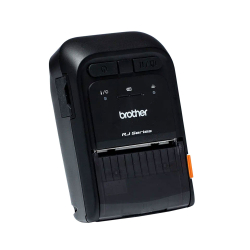
- Product Code: 2004977766802420
- Rank: 0
- Print type:: Thermodirect
- Maximum lane width: 58 mm
- PC connection:: Yes
- Tape type:: Standard paper labels
- Bluetooth:: Yes
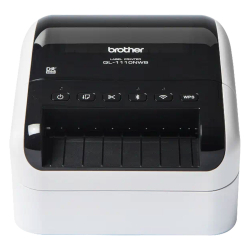
- Product Code: 2004977766826884
- Rank: 0
- Print type:: Thermodirect
- Maximum lane width: 102 mm
- Network:: Yes
- Bluetooth:: Yes
- Tape type:: DK paper labels
- Automatic Knife:: Yes
- Wireless network:: Yes
- PC connection:: Yes
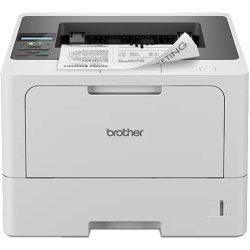
- Product Code: 44416
- Rank: 0
- Print format:: A4
- Printing technology:: Laser
- Recommend. monthly load:: 5 000 copies
- Print speed black:: 48 pages per minute
- Network:: Yes
- Double-sided printing:: Automatic
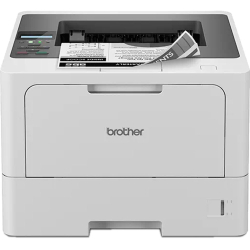
- Product Code: 44417
- Rank: 0
- Print format:: A4
- Printing technology:: Laser
- Recommend. monthly load:: 5 000 copies
- Wireless network:: Yes
- Print speed black:: 48 pages per minute
- Network:: Yes
- Double-sided printing:: Automatic
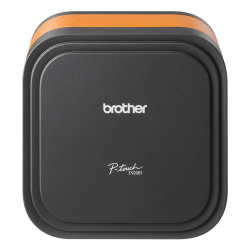
- Product Code: 2004977766847841
- Rank: 0
- Print type:: Thermal transfer
- Maximum lane width: 36 mm
- Bluetooth:: Yes
- Tape type:: TZ laminated labels
- Automatic Knife:: Yes
- PC connection:: Yes
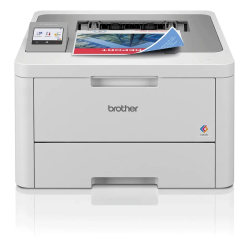
- Product Code: 2004977766823838
- Rank: 0
- Printing technology:: Laser
- Wireless network:: Yes
- Print format:: A4
- Double-sided printing:: Automatic

- Product Code: 2004977766763325
- Rank: 0
- Automatic Knife:: Yes
- Keyboard:: Yes
- Print type:: Thermal transfer
- Maximum lane width: 36 mm
- Wireless network:: Yes
- PC connection:: Yes
- Tape type:: TZ laminated labels

- Product Code: 2004977766802444
- Rank: 0
- Print type:: Thermodirect
- Maximum lane width: 48 mm
- Bluetooth:: Yes
- Tape type:: Standard paper labels
- Wireless network:: Yes
- PC connection:: Yes
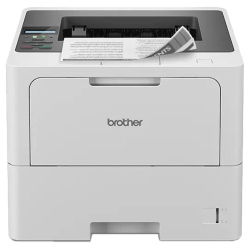
- Product Code: 44418
- Rank: 0
- Print format:: A4
- Printing technology:: Laser
- Recommend. monthly load:: 8 000 copies
- Wireless network:: Yes
- Print speed black:: 50 pages per minute
- Network:: Yes
- Double-sided printing:: Automatic

- Product Code: 2004977766764537
- Rank: 0
- Print type:: Thermal transfer
- Automatic Knife:: Yes
- Network:: Yes
- Maximum lane width: 36 mm
- Tape type:: TZ laminated labels
- Wireless network:: Yes
- Bluetooth:: Yes
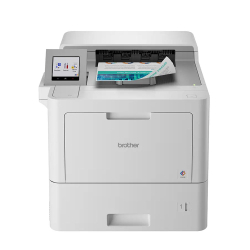
- Product Code: 2004977766813969
- Rank: 0
- Color print speed:: 40 pages per minute
- Printing technology:: Laser
- Recommend. monthly load:: 12 000 copies
- Print format:: A4
- Print speed black:: 40 pages per minute
- Network:: Yes
- Double-sided printing:: Automatic
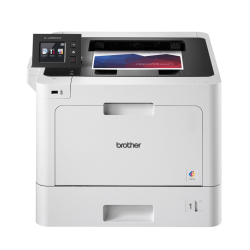
- Product Code: 2004977766774208
- Rank: 0
- Printing technology:: Laser
- Print format:: A4
- Print speed black:: 31 pages per minute
- Recommend. monthly load:: 4 000 copies
- Wireless network:: Yes
- Color print speed:: 31 pages per minute
- Network:: Yes
- Double-sided printing:: Automatic

- Product Code: 2004977766774246
- Rank: 0
- Color print speed:: 31 pages per minute
- Network:: Yes
- Double-sided printing:: Automatic
- Print format:: A4
- Print speed black:: 31 pages per minute
- Recommend. monthly load:: 6 000 copies
- Wireless network:: Yes
- Printing technology:: Laser
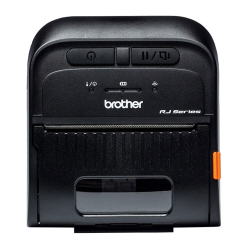
- Product Code: 2004977766802581
- Rank: 0
- Print type:: Thermodirect
- Maximum lane width: 80 mm
- Bluetooth:: Yes
- Tape type:: Standard paper labels
- Wireless network:: Yes
- PC connection:: Yes
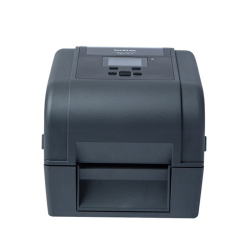
- Product Code: 2004977766800365
- Rank: 0
- Print type:: Thermodirect/transfer
- Bluetooth:: Yes
- Network:: Yes
- PC connection:: Yes
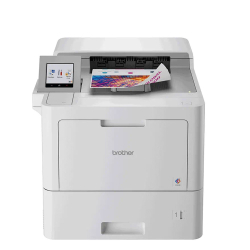
- Product Code: 2004977766813976
- Rank: 0
- Recommend. monthly load:: 15 000 copies
- Print format:: A4
- Printing technology:: Laser
- Double-sided printing:: Automatic
- Color print speed:: 40 pages per minute
- Print speed black:: 40 pages per minute
- Network:: Yes
- Wireless network:: Yes
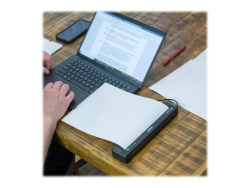
- Product Code: 2004977766821964
- Rank: 0
- Print format:: A4
- Network:: Yes
- Print speed black:: 13.5 pages per minute
- Bluetooth:: Yes
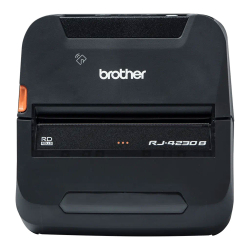
- Product Code: 2004977766788717
- Rank: 0
- Maximum lane width: 104 mm
- Bluetooth:: Yes
- Print type:: Thermodirect
- PC connection:: Yes
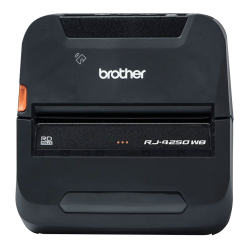
- Product Code: 2004977766794398
- Rank: 0
- Maximum lane width: 104 mm
- Bluetooth:: Yes
- Print type:: Thermodirect
- Wireless network:: Yes
- PC connection:: Yes
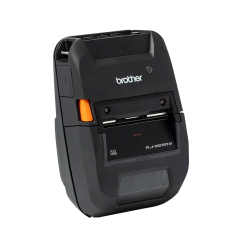
- Product Code: 2004977766814867
- Rank: 0
- Print type:: Thermodirect
- Wireless network:: Yes
- Maximum lane width: 72 mm
- Bluetooth:: Yes
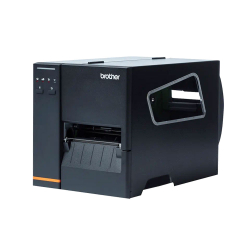
- Product Code: 2004977766804684
- Rank: 0
- Print type:: Thermodirect/transfer
- Automatic Knife:: Yes
- Maximum lane width: 107 mm
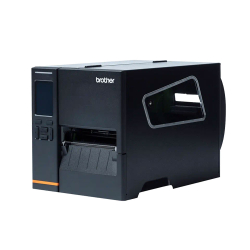
- Product Code: 2004977766804707
- Rank: 0
- Print type:: Thermodirect/transfer
- PC connection:: Yes
- Wireless network:: Yes
- Maximum lane width: 120 mm
- Automatic Knife:: Yes
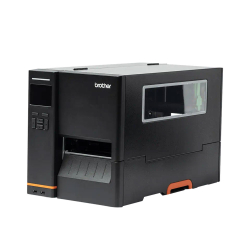
- Product Code: 2004977766804561
- Rank: 0
- Maximum lane width: 114 mm
- Wireless network:: Yes
- PC connection:: Yes
- Print type:: Thermodirect/transfer
- Network:: Yes
- Bluetooth:: Yes
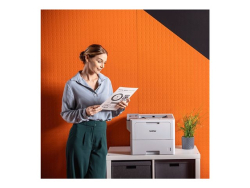
- Product Code: 2004977766824866
- Rank: 0
- Printing technology:: Laser
- Double-sided printing:: Automatic
- Print speed black:: 50 pages per minute
- Network:: Yes
- Wireless network:: Yes
- Print format:: A4
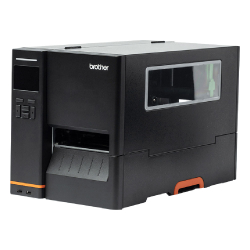
- Product Code: 2004977766804585
- Rank: 0
- Print type:: Thermodirect/transfer
- Network:: Yes
- Bluetooth:: Yes
- Maximum lane width: 104 mm
- Wireless network:: Yes
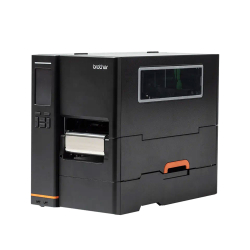
- Product Code: 2004977766804660
- Rank: 0
- Maximum lane width: 114 mm
- Wireless network:: Yes
- PC connection:: Yes
- Print type:: Thermodirect/transfer
- Network:: Yes
- Bluetooth:: Yes
FAQ for Printers
How do I choose the right Brother printer model for my needs?
To choose the right Brother printer model, determine what type of documents you will print most often and what your print volume is. Brother offers models for a variety of needs – from personal use to professional offices, with special features such as scanners and copiers.
How do I maintain and clean a Brother printer?
Regular maintenance of a Brother printer includes cleaning the drums and print heads, as well as replacing toner cartridges on time. Follow the instructions in the user manual and use the manufacturer's recommended supplies.
What are the most common problems with Brother printers and how do I solve them?
The most common problems with Brother printers include paper jams, poor print quality, and connectivity issues. To resolve these issues, check the printer settings, clean the paper, and make sure the drivers are updated.
What types of paper are compatible with Brother printers?
Brother printers are designed to work with a variety of paper types, including standard office paper, photo paper, and cardstock. Always check your model specifications for compatibility with specific paper types.