


- Promotions
BDS keyboards
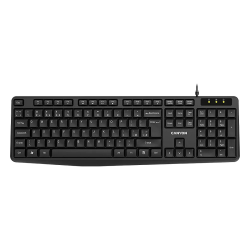
- Product Code: 21055
- Rank: 1
- Connection type:: Wired
- BDS Cyrillicization:: Yes
- Interface:: USB
- Color:: Black
- Multimedia buttons:: Yes
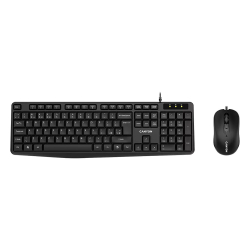
- Product Code: 27631
- Rank: 1
- Interface:: USB
- Color:: Black
- Type:: Kit
- Connection type:: Wired
- BDS Cyrillicization:: Yes
- Multimedia buttons:: Yes
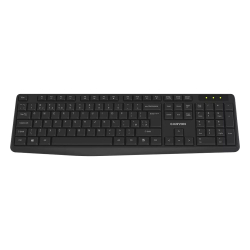
- Product Code: 48108
- Rank: 1
- Connection type::
- BDS Cyrillicization:: Yes
- Interface:: USB
- Color:: Black
- Multimedia buttons:: Yes
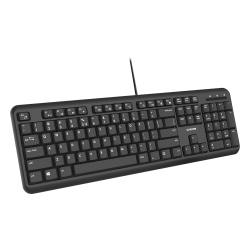
- Product Code: 37840
- Rank: 1
- Interface:: USB
- Color:: Black
- Silent buttons:: Yes
- Connection type:: Wired
- BDS Cyrillicization:: Yes
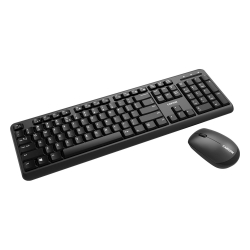
- Product Code: 37518
- Rank: 1
- Interface:: USB
- Color:: Black
- Type:: Kit
- Connection type::
- BDS Cyrillicization:: Yes
- Multimedia buttons:: Yes
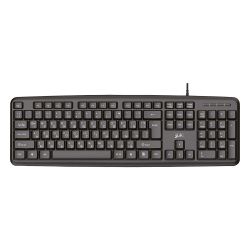
- Product Code: 15466
- Rank: 0
- Interface:: USB
- Color:: Black
- Connection type:: Wired
- BDS Cyrillicization:: Yes
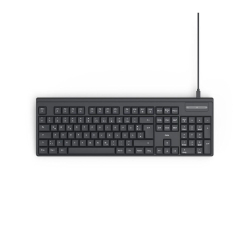
- Product Code: 47901
- Rank: 0
- Interface:: USB Тype-C
- Color:: Black
- Connection type:: Wired
- BDS Cyrillicization:: Yes
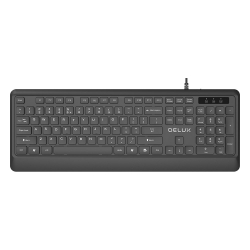
- Product Code: 47956
- Rank: 0
- Connection type:: Wired
- BDS Cyrillicization:: Yes
- Interface:: USB
- Color:: Black
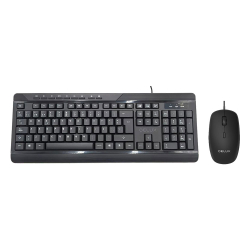
- Product Code: 49116
- Rank: 0
- Connection type:: Wired
- BDS Cyrillicization:: Yes
- Multimedia buttons:: Yes
- Interface:: USB
- Color:: Black
- Type:: Kit
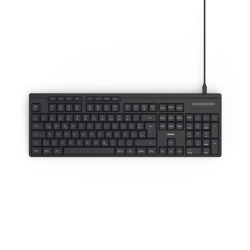
- Product Code: 2004047443523976
- Rank: 0
- Interface:: USB
- Color:: Black
- Multimedia buttons:: Yes
- Connection type:: Wired
- BDS Cyrillicization:: Yes
- Product Code: 2004047443558831
- Rank: 0
- Interface:: USB
- Color:: Black
- Multimedia buttons:: Yes
- Connection type:: Wireless
- BDS Cyrillicization:: Yes
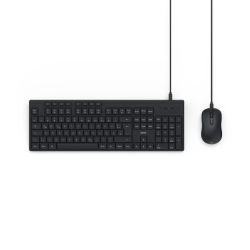
- Product Code: 2004047443524058
- Rank: 0
- Interface:: USB
- Color:: Black
- Type:: Kit
- Connection type:: Wired
- BDS Cyrillicization:: Yes
- Multimedia buttons:: Yes
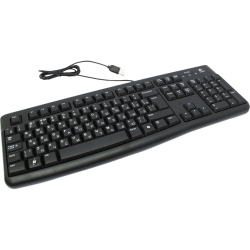
- Product Code: 11446
- Rank: 0
- Interface:: USB
- Color:: Black
- Silent buttons:: Yes
- Connection type:: Wired
- BDS Cyrillicization:: Yes
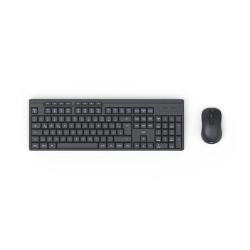
- Product Code: 2004047443536013
- Rank: 0
- Interface:: USB
- Color:: Black
- Type:: Kit
- Connection type:: Wireless
- BDS Cyrillicization:: Yes
- Multimedia buttons:: Yes
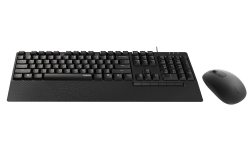
- Product Code: 2006940056191588
- Rank: 0
- Interface:: USB
- Color:: Black
- Type:: Kit
- Connection type:: Wired
- BDS Cyrillicization:: Yes
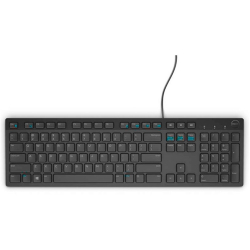
- Product Code: 31219
- Rank: 0
- Interface:: USB
- Color:: Black
- Multimedia buttons:: Yes
- Connection type:: Wired
- BDS Cyrillicization:: Yes
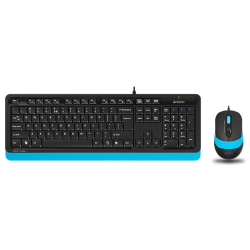
- Product Code: 2004711421943161
- Rank: 0
- Connection type:: Wired
- BDS Cyrillicization:: Yes
- Interface:: USB
- Color:: Blue
- Type:: Kit
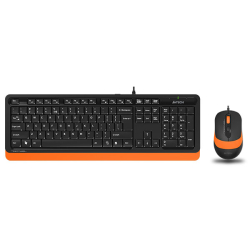
- Product Code: 2004711421943093
- Rank: 0
- Interface:: USB
- Color:: Orange
- Type:: Kit
- Connection type:: Wired
- BDS Cyrillicization:: Yes
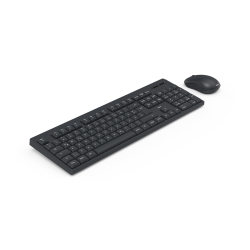
- Product Code: 2004047443523907
- Rank: 0
- Type:: Kit
- Connection type:: Wireless
- BDS Cyrillicization:: Yes
- Multimedia buttons:: Yes
- Interface:: USB
- Color:: Black
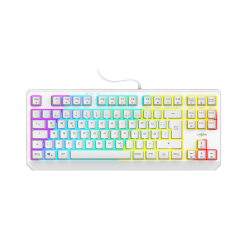
- Product Code: 2004047443529374
- Rank: 0
- Connection type:: Wired
- BDS Cyrillicization:: Yes
- Backlight:: Yes
- Interface:: USB
- Color:: White
- Type:: Gaming
- Multimedia buttons:: Yes
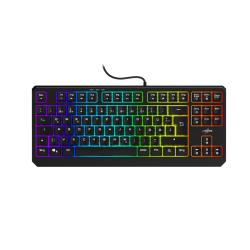
- Product Code: 2004047443529367
- Rank: 0
- Connection type:: Wired
- BDS Cyrillicization:: Yes
- Backlight:: Yes
- Interface:: USB
- Color:: Black
- Type:: Gaming
- Multimedia buttons:: Yes
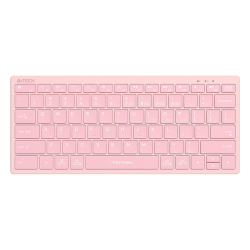
- Product Code: 2004711421973052
- Rank: 0
- Connection type:: Wireless
- BDS Cyrillicization:: Yes
- Interface:: Bluetooth / USB
- Color:: Pink
- Multimedia buttons:: Yes
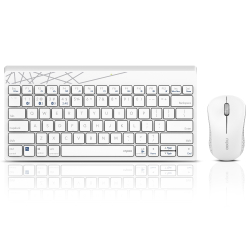
- Product Code: 2006940056183248
- Rank: 0
- Interface:: Bluetooth / USB
- Color:: White
- Type:: Kit
- Connection type:: Wireless
- BDS Cyrillicization:: Yes
- Multimedia buttons:: Yes
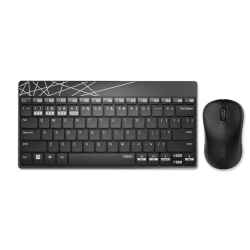
- Product Code: 2006940056183125
- Rank: 0
- Connection type:: Wireless
- BDS Cyrillicization:: Yes
- Multimedia buttons:: Yes
- Interface:: Bluetooth / USB
- Color:: Black
- Type:: Kit
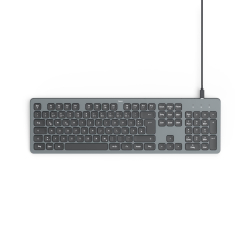
- Product Code: 2004047443524263
- Rank: 0
- Interface:: USB
- Color:: Black
- Backlight:: Yes
- Connection type:: Wired
- BDS Cyrillicization:: Yes
- Multimedia buttons:: Yes
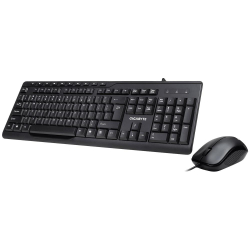
- Product Code: 2004719331551148
- Rank: 0
- Connection type:: Wired
- BDS Cyrillicization:: Yes
- Multimedia buttons:: Yes
- Interface:: USB
- Color:: Black
- Type:: Kit
- Product Code: 2004711421972567
- Rank: 0
- Silent buttons:: Yes
- Connection type:: Wireless
- BDS Cyrillicization:: Yes
- Multimedia buttons:: Yes
- Interface:: Bluetooth / USB
- Color:: White
- Product Code: 2004711421000215
- Rank: 0
- Silent buttons:: Yes
- Connection type:: Wireless
- BDS Cyrillicization:: Yes
- Multimedia buttons:: Yes
- Interface:: Bluetooth / USB
- Color:: Beige
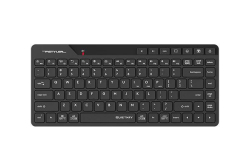
- Product Code: 2004711421000208
- Rank: 0
- Connection type:: Wireless
- BDS Cyrillicization:: Yes
- Multimedia buttons:: Yes
- Interface:: Bluetooth / USB
- Color:: Black
- Silent buttons:: Yes
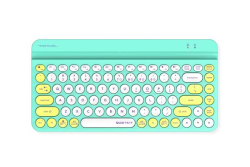
- Product Code: 2004711421976206
- Rank: 0
- Multimedia buttons:: Yes
- Interface:: Bluetooth / USB
- Color:: Green
- Silent buttons:: Yes
- Connection type:: Wireless
- BDS Cyrillicization:: Yes
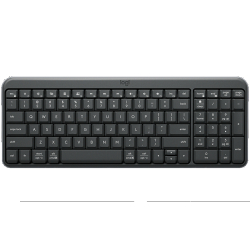
- Product Code: 2005099206130524
- Rank: 0
- Interface:: Bluetooth
- Color:: Gray
- Multimedia buttons:: Yes
- Connection type:: Wireless
- BDS Cyrillicization:: Yes
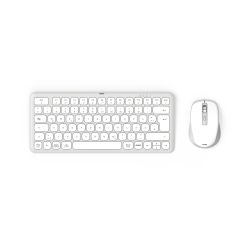
- Product Code: 2004047443524355
- Rank: 0
- Interface:: Bluetooth / USB
- Color:: White
- Type:: Kit
- Connection type:: Wireless
- BDS Cyrillicization:: Yes
- Multimedia buttons:: Yes
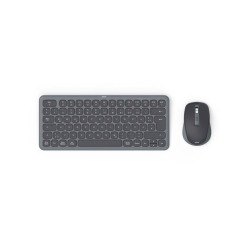
- Product Code: 2004047443524348
- Rank: 0
- Type:: Kit
- Connection type:: Wireless
- BDS Cyrillicization:: Yes
- Multimedia buttons:: Yes
- Interface:: Bluetooth / USB
- Color:: Black
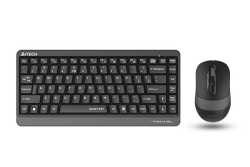
- Product Code: 2004711421984812
- Rank: 0
- Interface:: USB
- Color:: Gray
- Type:: Kit
- Multimedia buttons:: Yes
- Connection type:: Wireless
- BDS Cyrillicization:: Yes
- Silent buttons:: Yes
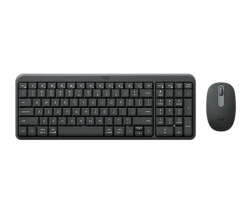
- Product Code: 2005099206130982
- Rank: 0
- Interface:: Bluetooth
- Color:: Gray
- Type:: Kit
- Connection type:: Wireless
- BDS Cyrillicization:: Yes
- Multimedia buttons:: Yes
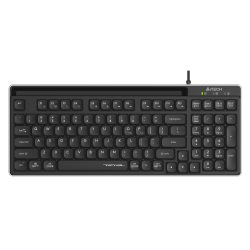
- Product Code: 2004711421001861
- Rank: 0
- Interface:: USB
- Color:: Black
- Silent buttons:: Yes
- Connection type:: Wired
- BDS Cyrillicization:: Yes
- Multimedia buttons:: Yes
Choosing a suitable keyboard with Bulgarian letters is of key importance for anyone who works daily in Bulgarian. BDS keyboards are created according to the official Bulgarian state standard, which determines the arrangement of the Cyrillic alphabet and provides convenient and intuitive text input. At OK Office you will find a variety of reliable Cyrillic keyboards at affordable prices, suitable for office, school, administration or home use.
Why is the BDS keyboard necessary for work and study?
The keyboard with BDS Cyrillicization offers clearly written Bulgarian letters, arranged according to the official standard. This makes writing easier, reduces errors and allows for significantly faster text input. The standard layout is the most practical choice for anyone whose daily life is related to document processing, correspondence, study or administrative tasks.
The BDS marking is especially valuable for novice users, students and people who do not know the phonetic layout. It provides intuitiveness, regardless of the operating system used and keyboard settings.
At OK Office you will find precisely such models that have clearly printed symbols, contrasting inscriptions and a convenient layout that guarantees comfort during prolonged work.
Main advantages of the BDS keyboards from our assortment
- Official BDS Cyrillicization and high readability. All models in the category have correctly placed Bulgarian letters. The inscriptions are bright and clearly visible, which facilitates work both in the office and at home. This eliminates confusion between different layouts and ensures stable, correct text input.
- A variety of practical models for everyday use. OK Office mainly offers USB membrane keyboards, which are reliable, quiet and suitable for long-term use. They are a favorite in offices, schools, administrative units and home workplaces. The models differ in design - standard, compact or with a thin profile - and offer convenience without unnecessary features that increase the cost of the product.
- Comfort and durability in everyday work. The membrane keys are soft, quiet and pleasant to type on. Many models have an adjustable tilt for a more comfortable hand position. The construction is stable and suitable for intensive use in an office or school environment, where the keyboard must withstand daily use.
How to choose the right BDS keyboard?
When choosing, pay attention to several main features:
- Connection type – the category mainly offers wired USB keyboards, which provide a stable connection and do not require batteries.
- Design and dimensions – standard size for more comfortable typing or a more compact design for smaller desks.
- Cyrillic legibility – it is important that the letters are clearly printed and contrasting, especially if you work in different lighting conditions.
- Additional features – some models include multimedia buttons or quieter key travel, which is an advantage in shared workspaces.
If you are not sure which model is best suited for your work, you can consult with OK Office specialists who will help you choose a practical and durable solution.
Quality and good price from OK Office
The OK Office online store offers high-quality peripherals for your computer configuration, optimized for everyday work and trouble-free typing of Bulgarian text. The catalog offers clearly presented technical specifications, photos and competitive prices, which makes the choice easier. Fast delivery and professional service contribute to convenient and secure shopping.
Investing in a quality BDS keyboard is an investment in higher productivity, accuracy and comfort. With the right model, typing becomes easier, faster and more natural.
Explore the variety of BDS keyboards at OK Office and choose a model that will make your daily work more comfortable and efficient. Ensure comfort with every written word. Find the perfect keyboard for your work today.
FAQ for Keyboards
What are the different types of keyboards for computers and laptops?
There are several types of keyboards, including mechanical, membrane, and wireless. Mechanical keyboards offer tactile feedback and are preferred by gamers, while membrane keyboards are quieter and often more affordable. Wireless keyboards provide flexibility and convenience when working from a distance.
How do I clean my keyboard properly?
To clean your keyboard, turn it off and use a gentle stream of air to remove dust from between the keys. Use a soft cloth lightly dampened with isopropyl alcohol to wipe the surface. Avoid using liquids directly on the keyboard.
What features should a gaming keyboard have?
Gaming keyboards typically feature mechanical switches for fast response, RGB backlighting for customization, and additional programmable keys for macros. Durability and ergonomic design are also key factors for long gaming sessions.
What should I do if my keyboard is not working?
If your keyboard is not working, first check if it is properly connected or if the batteries are charged if it is wireless. Restart your computer and check the drivers. If the problem persists, consult technical support.
Does it make sense to invest in an ergonomic keyboard?
Ergonomic keyboards are designed to reduce stress on the wrists and prevent strain from building up. They are an excellent choice for people who work long hours on a computer and can help prevent problems like carpal tunnel.