


- Promotions
USB flash drives
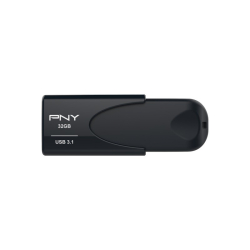
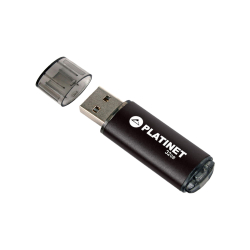
- Product Code: 38634
- Rank: 0
- Interface:: USB 2
- Capacity:: 32GB
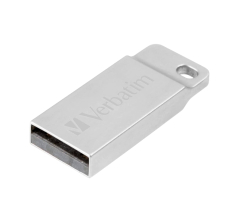
- Product Code: 2000023942987499
- Rank: 0
- Capacity:: 32GB
- Interface:: USB 2
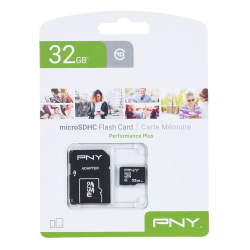
- Product Code: 53639
- Rank: 0
- Capacity:: 32GB
- Speed class:: Class 10/UHS-I
- Product Code: 2000023942987109
- Rank: 0
- Capacity:: 32GB
- Interface:: USB 3
- Product Code: 2000023942491736
- Rank: 0
- Capacity:: 32GB
- Interface:: USB 3
- Product Code: 47107
- Rank: 0
- Interface:: USB 3/ Type-C
- Capacity:: 32GB
- Product Code: 2000023942991052
- Rank: 0
- Interface:: USB 3
- Capacity:: 32GB
The category “USB flash drives 32GB“ in OK Office offers reliable and practical solutions for storing and transferring data in everyday work. The capacity of 32GB is a balanced choice for documents, presentations, photos, video files and archives, which makes it suitable for both office environments and personal use.
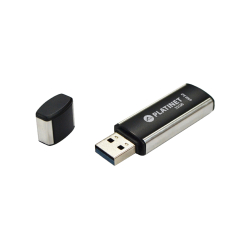
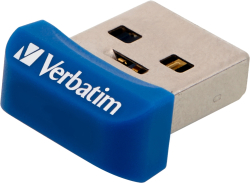
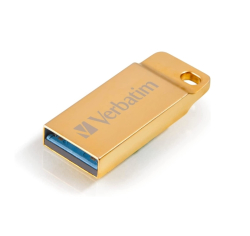
In the assortment you will find models from established brands such as PNY, Verbatim and Platinet. Among the offers are USB Memory 32GB PNY in black, Verbatim Metal Executive 2.0 in a silver case, as well as higher-end solutions such as Verbatim Metal Executive 3.0 Gold. Compact options are also available such as Verbatim 3.0 Nano Store 'N' Stay, which remain almost invisible when plugged into a laptop or car system.
What USB 32GB models will you find?
The subcategory includes a variety of technologies and designs tailored to different needs:
- USB 2.0 models - suitable for standard transfer of documents and office files;
- USB 3.0 devices - provide higher speed when transferring large volumes of data;
- compact nano flash drives - convenient for permanent connection to a laptop;
- metal housings - greater durability and elegant appearance;
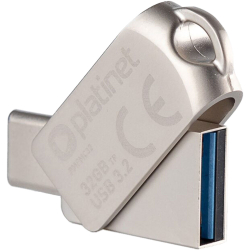
- USB/USB-C OTG solutions such as MUDP OTG 32GB Platinet - for direct connection to smartphones, tablets and laptops with USB-C port.
This variety makes it easy to choose a product according to the type of devices you work with daily.
How to choose the right 32GB USB flash drive?
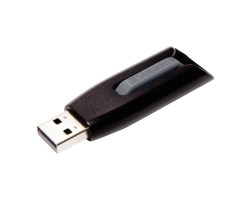
When choosing a 32GB USB flash drive, it is important to consider several key factors. First of all, the interface - if you often transfer large files, a USB 3.0 model such as the Verbatim V3 3.0 Store 'N' Go Drive Grey will save you time. If you use mobile devices, the OTG option with USB-C is a practical solution.
Also pay attention to the design and durability. Metal cases provide additional protection, and compact models are convenient when working on the go.
View all 32GB USB flash drives at OK Office and choose a model that meets your technical requirements and daily needs for secure information storage.
FAQ for USB flash drives
What is the difference between USB 2.0 and USB 3.0 flash drives?
USB 3.0 flash drives offer faster data transfer speeds than USB 2.0, making them better suited for working with large files. They are also backward compatible with USB 2.0 ports, but will operate at slower speeds.
How do I take care of my USB flash drive to extend its life?
To extend the life of your USB flash drive, avoid physical damage and do not remove it while files are being transferred. Also, periodically scan it for viruses and make sure to safely disconnect it from your computer.
Is it dangerous to store sensitive information on a USB flash drive?
Storing sensitive information on a USB flash drive can be risky if it is not secured. Use encryption and passwords to protect your data from unwanted access.