


- Promotions
Тoner cartridges for Samsung
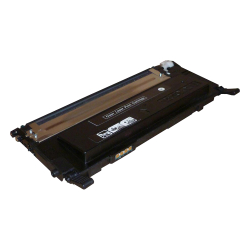
- Product Code: 10750
- Rank: 0
- Type:: Compatible
- Color:: Black
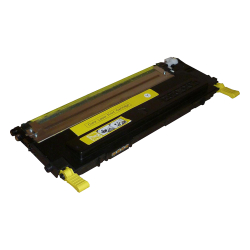
- Product Code: 10749
- Rank: 0
- Type:: Compatible
- Color:: Yellow
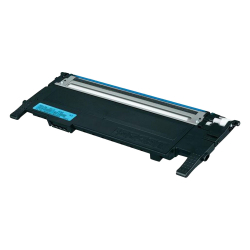
- Product Code: 10747
- Rank: 0
- Type:: Compatible
- Color:: Cyan
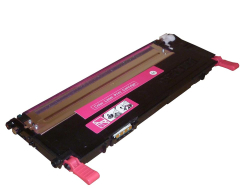
- Product Code: 10748
- Rank: 0
- Type:: Compatible
- Color:: Magenta
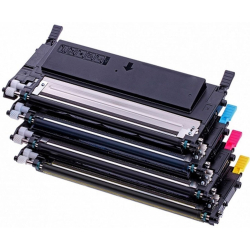
- Product Code: 3003
- Rank: 0
- Type:: Compatible
- Color:: Cyan
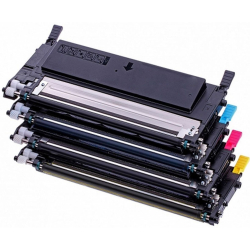
- Product Code: 3004
- Rank: 0
- Type:: Compatible
- Color:: Magenta
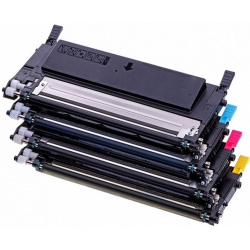
- Product Code: 3005
- Rank: 0
- Color:: Yellow
- Type:: Compatible
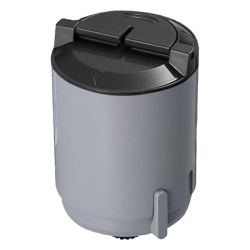
- Product Code: 5556
- Rank: 0
- Color:: Black
- Type:: Compatible
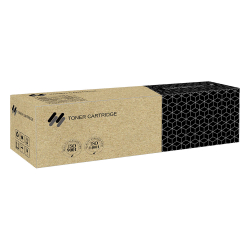
- Product Code: 46962
- Rank: 0
- Type:: Compatible
- Color:: Black
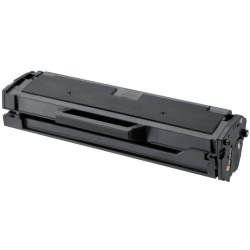
- Product Code: 13216
- Rank: 0
- Color:: Black
- Type:: Compatible
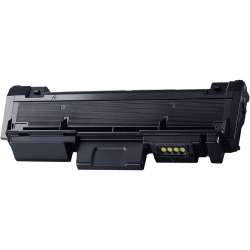
- Product Code: 21563
- Rank: 0
- Color:: Black
- Type:: Compatible
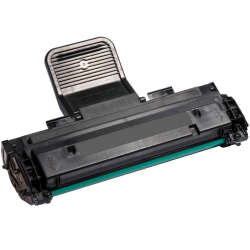
- Product Code: 1664
- Rank: 0
- Color:: Black
- Type:: Compatible
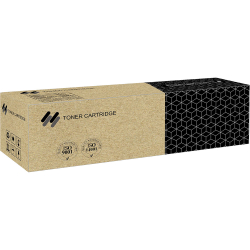
- Product Code: 45461
- Rank: 0
- Color:: Black
- Type:: Compatible
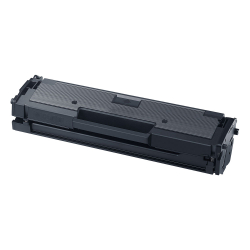
- Product Code: 10001536
- Rank: 0
- Color:: Black
- Type:: Compatible
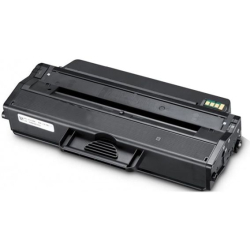
- Product Code: 12788
- Rank: 0
- Type:: Compatible
- Color:: Black
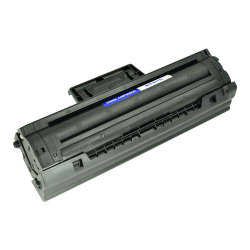
- Product Code: 32380
- Rank: 0
- Type:: Compatible
- Color:: Black
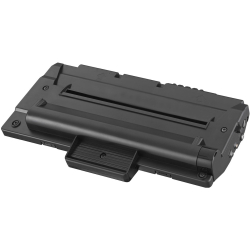
- Product Code: 6564
- Rank: 0
- Color:: Black
- Type:: Compatible
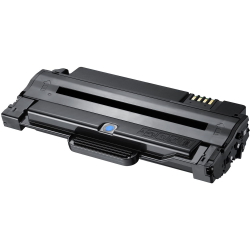
- Product Code: 5391
- Rank: 0
- Color:: Black
- Type:: Compatible
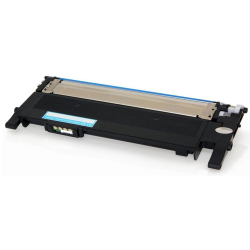
- Product Code: 19922
- Rank: 0
- Color:: Cyan
- Type:: Compatible
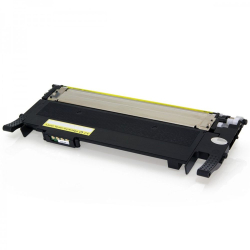
- Product Code: 19921
- Rank: 0
- Color:: Yellow
- Type:: Compatible
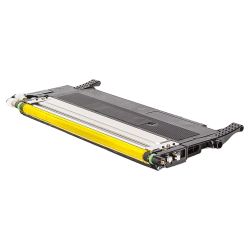
- Product Code: 31448
- Rank: 0
- Color:: Yellow
- Type:: Compatible
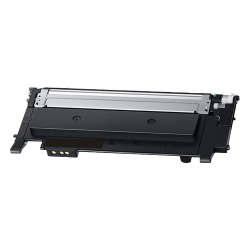
- Product Code: 31447
- Rank: 0
- Color:: Magenta
- Type:: Compatible
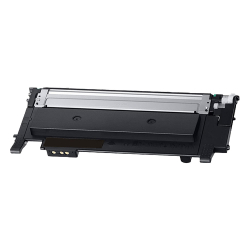
- Product Code: 31446
- Rank: 0
- Color:: Cyan
- Type:: Compatible
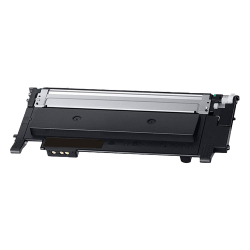
- Product Code: 31445
- Rank: 0
- Color:: Black
- Type:: Compatible
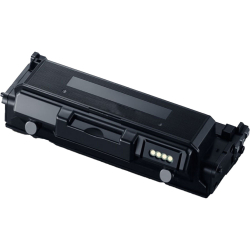
- Product Code: 35681
- Rank: 0
- Type:: Compatible
- Color:: Black
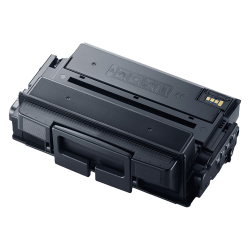
- Product Code: 33286
- Rank: 0
- Color:: Black
- Type:: Compatible
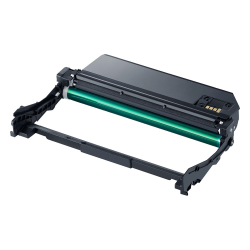
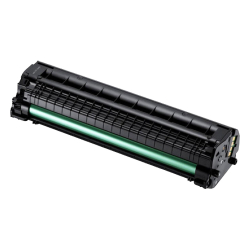
- Product Code: 5054
- Rank: 0
- Color:: Black
- Type:: Compatible
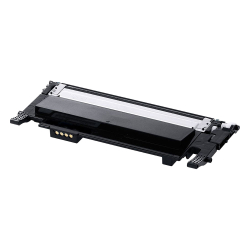
- Product Code: 19919
- Rank: 0
- Type:: Compatible
- Color:: Black
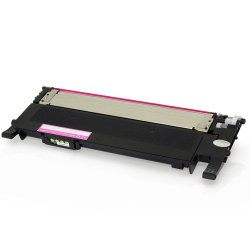
- Product Code: 19920
- Rank: 0
- Type:: Compatible
- Color:: Black
- Product Code: 46964
- Rank: 0
- Type:: Compatible
- Color:: Black
- Product Code: 46963
- Rank: 0
- Type:: Compatible
- Color:: Black
- Product Code: 46974
- Rank: 0
- Color:: Black
- Type:: Compatible
- Product Code: 46968
- Rank: 0
- Type:: Compatible
- Color:: Black
- Product Code: 46969
- Rank: 0
- Type:: Compatible
- Color:: Black
- Product Code: 46970
- Rank: 0
- Type:: Compatible
- Color:: Black
Samsung printers are known for their reliability, innovation, and for a number of reasons, they often become the top choice of users looking for such devices.
In order to work well, however, they need high-quality consumables, and in particular toners, which the OK Office online store offers you at very competitive prices.
What devices are Samsung printer toner cartridges compatible with?
To meet the needs of users, at OK Office we aim to offer high-quality models specifically designed to provide reliability and efficiency in printing for a range of devices. Among the compatible models are mlt d111s, m2070, ml 2010, scx 3405, ml 1640, scx 3400, sl m2026, scx 4300, scx 3200, xpress m2675f, xpress m2070, m2070w, clp 300, ml 2165.
Familiarize yourself with the compatibility of the toner cartridge you have chosen by reading the detailed description of the item.
What types of toners do we have for Samsung?
Consumables in the category intended for Samsung printers are distinguished by the following features:
- type – we have original and compatible cartridges;
- color – we have toners in Black, Cyan, Magenta, Yellow;
- capacity - some models can print up to 1,000 copies with one cartridge, and others - more than 10,000.
Choose the best for your Samsung to enjoy years of trouble-free, high-quality printing.
FAQ for Тoner cartridges for Samsung
What is the difference between original and compatible toners for Samsung laser printers?
Original Samsung toners are manufactured by the manufacturer itself and usually guarantee maximum compatibility and print quality. Compatible toners are created by third parties and are often more affordable, offering satisfactory results, but may differ in terms of durability and color shades. The choice depends on your priorities in price-quality ratio.
How do I know which toners are compatible with my Samsung laser printer?
To find a compatible toner for your Samsung laser printer, check your printer model and look for information in your printer manual or on the manufacturer's website. You can also consult our specialists, who will be happy to help you choose the most suitable option.
What problems may arise when using compatible Samsung toners?
When using compatible toners, you may encounter various problems, such as lower print quality, shorter durability, or even incompatibility with your printer. It is important to choose from reputable manufacturers to minimize these risks.
What should I do if my printer does not recognize the new toner?
If your printer does not recognize the new toner, first make sure it is installed correctly. Check that all protective tapes are removed and restart the printer. If the problem persists, try cleaning the toner and printer contacts or contact our technical support for further assistance.